
What is an AI PC? A Buyer's Guide to NPUs and Next-Gen Laptops
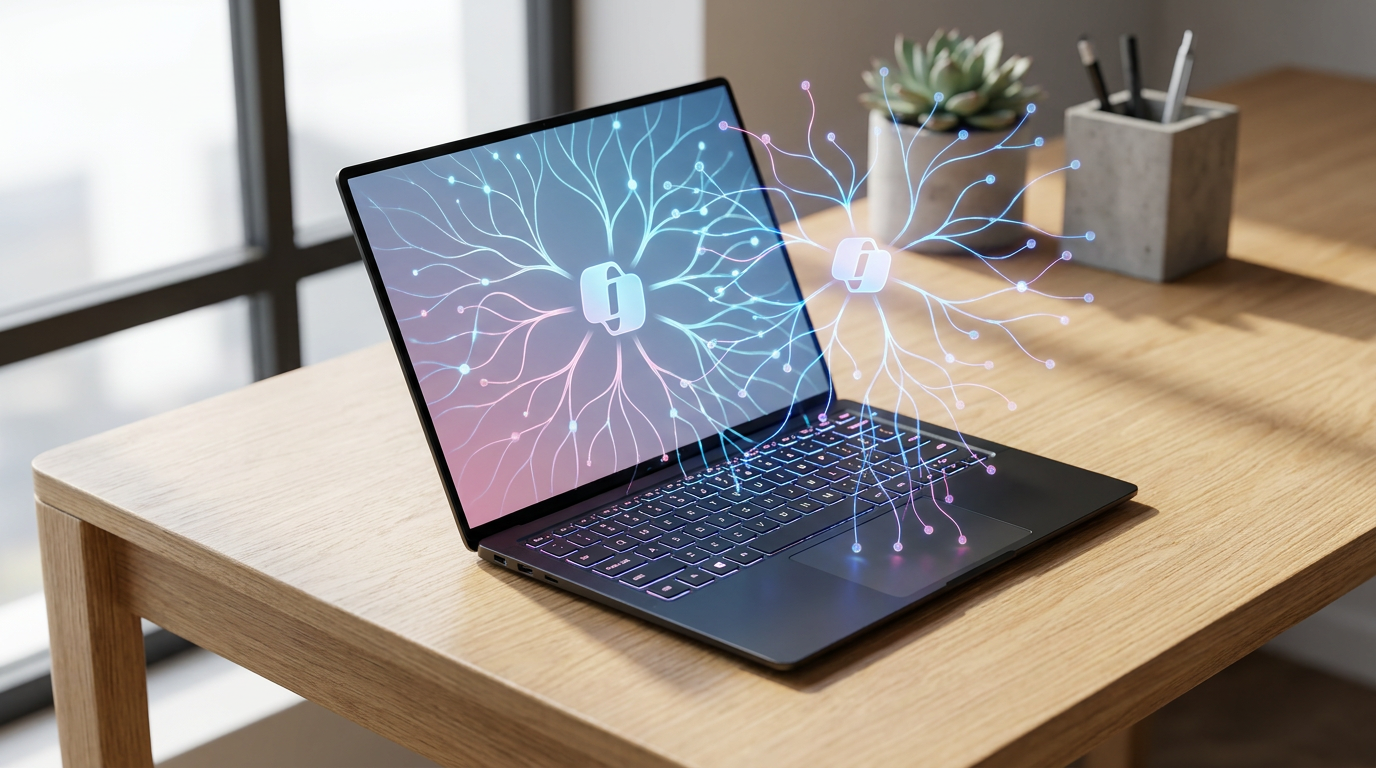
As "AI PCs" flood the 2026 laptop market, the key differentiator is the Neural Processing Unit (NPU). Here is how this new hardware actually works, and whether you need it.
By Factlen Editorial Team
- Mobile & Enterprise Users
- Value battery efficiency, seamless Copilot+ integration, and real-time transcription.
- Creative Professionals
- Prioritize raw GPU compute and software compatibility over NPU efficiency.
- Privacy Advocates
- Champion local on-device processing to prevent data from reaching the cloud.
- Hardware Traditionalists
- Skeptical of AI marketing and prefer standard x86 performance metrics.
What's not represented
- · Budget consumers who are priced out of the premium AI PC market
- · Software developers struggling to optimize applications for three different NPU architectures
Why this matters
As NPUs become standard in 2026 laptops, understanding this hardware prevents buyers from overpaying for marketing hype and ensures they choose the right machine for their battery, privacy, and performance needs.
Key points
- The defining feature of a 2026 AI PC is the Neural Processing Unit (NPU), which handles machine learning tasks locally.
- By offloading AI workloads from the CPU, NPUs drastically improve battery life, with some models exceeding 15 hours.
- Microsoft's Copilot+ certification requires an NPU capable of at least 40 Tera Operations Per Second (TOPS).
- Running AI models on-device enhances privacy by keeping sensitive data off cloud servers.
- Because local AI models are loaded into system memory, 16GB of RAM is now the absolute minimum for new laptops.
In 2026, shopping for a new laptop means navigating a minefield of artificial intelligence marketing. Nearly every major manufacturer has slapped an "AI PC" sticker on their latest models, promising revolutionary productivity and smarter software. But beneath the buzzwords lies a genuine hardware shift that is fundamentally changing how computers manage power and process data.[1][4]
The defining feature of a true AI PC is a dedicated piece of silicon called a Neural Processing Unit, or NPU. For decades, traditional laptops relied on a binary system: the Central Processing Unit (CPU) handled general tasks, while the Graphics Processing Unit (GPU) rendered visuals.[6]
Both the CPU and GPU are technically capable of running artificial intelligence workloads, but they do so inefficiently. When a standard processor attempts to run real-time translation or background blur on a video call, it consumes massive amounts of power, generating excess heat and rapidly draining the battery.[7]
The NPU solves this bottleneck. It is a specialized accelerator purpose-built for the complex matrix math and tensor operations that power machine learning inference. By offloading these specific tasks to the NPU, the laptop can execute AI features locally without waking up the power-hungry CPU cores.[5][8]

This architectural shift yields immediate dividends in battery life. Because the NPU operates at a fraction of the wattage required by traditional processors, modern AI laptops can sustain heavy multitasking while away from a wall outlet. First-generation ARM-based AI PCs have consistently demonstrated real-world battery endurance of 12 to 20 hours, fundamentally altering expectations for mobile productivity.[4][7]
To standardize this new hardware, the industry has adopted a specific performance metric: TOPS, or Tera Operations Per Second. This number indicates how many trillion AI operations the NPU can calculate in a single second.[5]
Microsoft has drawn a hard line in the sand with its "Copilot+ PC" certification, requiring a minimum of 40 TOPS from the NPU. Laptops meeting this threshold can run advanced Windows 11 features—like real-time live captions across any audio source and intelligent local search—entirely on-device, without relying on cloud servers.[2][4]

Microsoft has drawn a hard line in the sand with its "Copilot+ PC" certification, requiring a minimum of 40 TOPS from the NPU.
The race to dominate the AI PC market has fractured into three distinct silicon camps in 2026. Qualcomm's Snapdragon X Elite series, built on ARM architecture, currently leads in power efficiency and mobile endurance, boasting a 45 TOPS NPU that excels at sustained, unplugged workloads.[4][6]
In response, traditional x86 manufacturers have heavily upgraded their own architectures. Intel's Core Ultra series integrates powerful NPUs while maintaining deep compatibility with enterprise software and Microsoft's ecosystem.[3][8]
Meanwhile, AMD's Ryzen AI 300 series strikes a balance for creators and generalists, pairing robust multi-core CPU performance with high-TOPS AI acceleration. Unlike the ARM-based Snapdragon chips, both Intel and AMD processors natively support the vast legacy catalog of x86 Windows applications without requiring emulation.[3][4]

Beyond battery life, the most significant advantage of an NPU is privacy. When a laptop has enough local processing power to run Large Language Models (LLMs) and generative AI on-device, sensitive corporate data and personal documents never have to be uploaded to a third-party cloud server.[3][8]
However, running AI locally introduces a new hardware constraint: the "RAM tax." On-device AI models are loaded directly into system memory. Consequently, 8GB of RAM is no longer sufficient for a modern machine; 16GB has become the absolute baseline for AI PCs, while 32GB is strongly recommended for professionals running multiple local agents or creative tools.[5]

Despite the genuine advancements, industry experts caution against falling for AI PC misconceptions. A user does not need an NPU to access cloud-based tools like ChatGPT or Midjourney, which run on remote servers and work perfectly fine on older machines.[5][7]
Furthermore, the NPU does not replace the need for a discrete GPU in heavy creative workflows. While an NPU is highly efficient for background tasks and local text generation, rendering 4K video or playing modern AAA games still requires the raw parallel processing power of a dedicated graphics card.[4][5]
For students, executives, and mobile professionals who spend hours in virtual meetings or rely on real-time transcription, the battery and efficiency gains of a 2026 AI PC easily justify the upgrade. But for budget-conscious buyers whose workflows revolve around basic web browsing, a traditional laptop remains a perfectly viable—and often cheaper—alternative.[3][5]
How we got here
Late 2023
Intel and AMD begin integrating early-generation NPUs into standard laptop processors.
May 2024
Microsoft announces the Copilot+ PC standard, requiring 40 TOPS for advanced local AI features.
Mid 2024
Qualcomm launches the Snapdragon X Elite, bringing highly efficient ARM architecture to Windows laptops.
2025–2026
Intel's Lunar Lake and AMD's Strix Point architectures mature, standardizing the NPU across all premium laptops.
Viewpoints in depth
Mobile Professionals
Users who prioritize battery life and real-time communication tools.
For executives, sales teams, and students, the AI PC is primarily a battery-saving device. By offloading video call background blur, noise cancellation, and live transcription to the NPU, these users can work through long flights or back-to-back meetings without searching for an outlet. They heavily favor ARM-based architectures like the Snapdragon X Elite for its multi-day standby time.
Creative Professionals
Power users who require raw compute for rendering and local image generation.
Video editors, 3D artists, and game developers view the NPU as a helpful secondary tool, but not a replacement for a discrete GPU. While the NPU is excellent for masking and light AI effects, heavy local image generation (like Stable Diffusion) and 4K video rendering still rely on the massive parallel processing power of an NVIDIA RTX or AMD Radeon graphics card.
Privacy Advocates
Users and IT departments focused on keeping sensitive data on-device.
For enterprise IT and privacy-conscious users, the true value of an AI PC is data sovereignty. The ability to run Large Language Models (LLMs) and document summarization locally means that proprietary code, legal documents, and personal information never have to be transmitted to cloud providers like OpenAI or Microsoft, drastically reducing the risk of data leaks.
What we don't know
- How quickly software developers will optimize legacy applications to fully utilize the NPU across all three major architectures.
- Whether the 40 TOPS standard will remain sufficient for future Windows updates, or if hardware requirements will rapidly inflate.
Key terms
- NPU (Neural Processing Unit)
- A specialized computer chip designed specifically to accelerate artificial intelligence tasks and machine learning algorithms.
- TOPS
- Tera Operations Per Second; a metric used to measure the speed and performance of an NPU.
- Copilot+ PC
- A hardware certification by Microsoft for laptops that possess an NPU capable of at least 40 TOPS, enabling advanced local AI features.
- x86 vs. ARM
- Two different processor architectures; x86 (Intel/AMD) offers broad legacy software compatibility, while ARM (Qualcomm/Apple) prioritizes power efficiency and battery life.
Frequently asked
Do I need an AI PC to use ChatGPT?
No. Cloud-based AI tools like ChatGPT or Midjourney run on remote servers and can be accessed from any standard laptop with an internet connection.
Will an AI PC make my games run faster?
Generally, no. Modern gaming relies on the Graphics Processing Unit (GPU), not the NPU. Gamers should still prioritize laptops with dedicated graphics cards.
Why do AI PCs need so much RAM?
Running AI models locally requires the system to load massive datasets directly into memory. 16GB is the new minimum to ensure the laptop doesn't slow down during AI tasks.
Can I upgrade my current laptop with an NPU?
No. The NPU is physically integrated into the laptop's main processor (SoC), meaning you must purchase an entirely new machine to get dedicated AI hardware.
Sources
Source coverage
8 outlets
4 viewpoints surfaced








[1]Factlen Editorial TeamMobile & Enterprise Users
Synthesis by Factlen editorial team
Read on Factlen Editorial Team →[2]MicrosoftMobile & Enterprise Users
Best AI PC features to look for in 2026: A beginner's guide
Read on Microsoft →[3]HPMobile & Enterprise Users
AI PCs for Students: Are They Worth It in 2026?
Read on HP →[4]AIHardware.aiHardware Traditionalists
Snapdragon X Elite vs Intel Core Ultra NPU explainer
Read on AIHardware.ai →[5]NeweggCreative Professionals
AI PC Buying Guide: What to Look for in 2026
Read on Newegg →[6]TechRadarCreative Professionals
Snapdragon X Elite flexes AI muscles and destroys Intel Core Ultra 7 CPU in image creation head-to-head
Read on TechRadar →[7]EFTMMobile & Enterprise Users
What is an AI PC, and do you actually need one?
Read on EFTM →[8]Dev.toPrivacy Advocates
The current AI laptop landscape: An independent overview
Read on Dev.to →

More in shopping
See all 7 stories →Carry-On Luggage
Hardside vs. Softside Luggage: The 2026 Durability and Trade-Off Analysis
6 sources
Premium TVs
OLED vs. Mini-LED in 2026: How to Choose the Right Premium TV for Your Room
7 sources

Auto Market
EV vs. PHEV: The Ultimate 2026 Buyer's Guide to Electrified Cars
7 sources

Display Tech
OLED vs. Mini-LED: The 2026 TV Buyer's Guide
5 sources

Every angle. Every day.
Get shopping stories with full source coverage and perspective breakdowns delivered to your inbox.