
The Ultimate 2026 Digital Security Checklist: Transitioning to a Passwordless Setup
As AI-powered tools render traditional passwords obsolete, the cybersecurity industry is shifting toward biometric passkeys and automated defenses. This comprehensive checklist outlines the essential steps to secure your digital life in 2026.
By Factlen Editorial Team
- Cybersecurity Agencies
- Focus on broad, foundational cyber hygiene to protect the general public.
- Privacy Advocates
- Emphasize protecting data from both corporate surveillance and physical seizure.
- Identity & Access Industry
- Champion the rapid adoption of FIDO2 passkeys as the ultimate solution to human error.
What's not represented
- · Hardware Security Manufacturers
- · Non-Technical Elderly Users
Why this matters
With AI tools now capable of cracking traditional passwords in hours and phishing attacks becoming indistinguishable from legitimate requests, relying on old security habits is increasingly dangerous. Transitioning to modern tools like passkeys and automated defenses protects your finances and identity without requiring you to memorize complex codes.
Key points
- AI-powered tools can now crack traditional eight-character passwords in hours, making them functionally obsolete.
- Passkeys replace passwords entirely, using public key cryptography and biometric unlocks to eliminate the risk of phishing.
- For legacy accounts, security experts recommend 16-character passphrases made of random words, stored in a password manager.
- Enabling full disk encryption and powering down devices during travel protects physical hardware from unauthorized access.
- Automating software updates is the most effective way to protect against newly discovered malware vulnerabilities.
The digital security landscape in 2026 is defined by a paradox: threats have never been more sophisticated, yet protecting yourself has never been easier. With AI-powered tools now capable of testing billions of password combinations per second, the traditional eight-character password is functionally obsolete. Hackers no longer need to guess your pet's name; they can brute-force short passwords in a matter of hours or purchase them from the 6.7 billion unique credentials currently circulating on the dark web. However, the cybersecurity industry has responded by shifting the burden of security away from human memory and onto cryptographic hardware, making the most secure options the easiest to use.[5][6]
This transition is the cornerstone of modern digital hygiene. The U.S. Cybersecurity and Infrastructure Security Agency (CISA) has anchored its 2026 "Secure Our World" campaign on the premise that sweeping technical transformations are unnecessary for most users. Instead, CISA advocates for a "Take One Action" approach, emphasizing that basic, automated fundamentals prevent the vast majority of cyber incidents before they ever start. By focusing on high-impact, low-effort changes, users can drastically reduce their attack surface without needing a degree in computer science.[1]
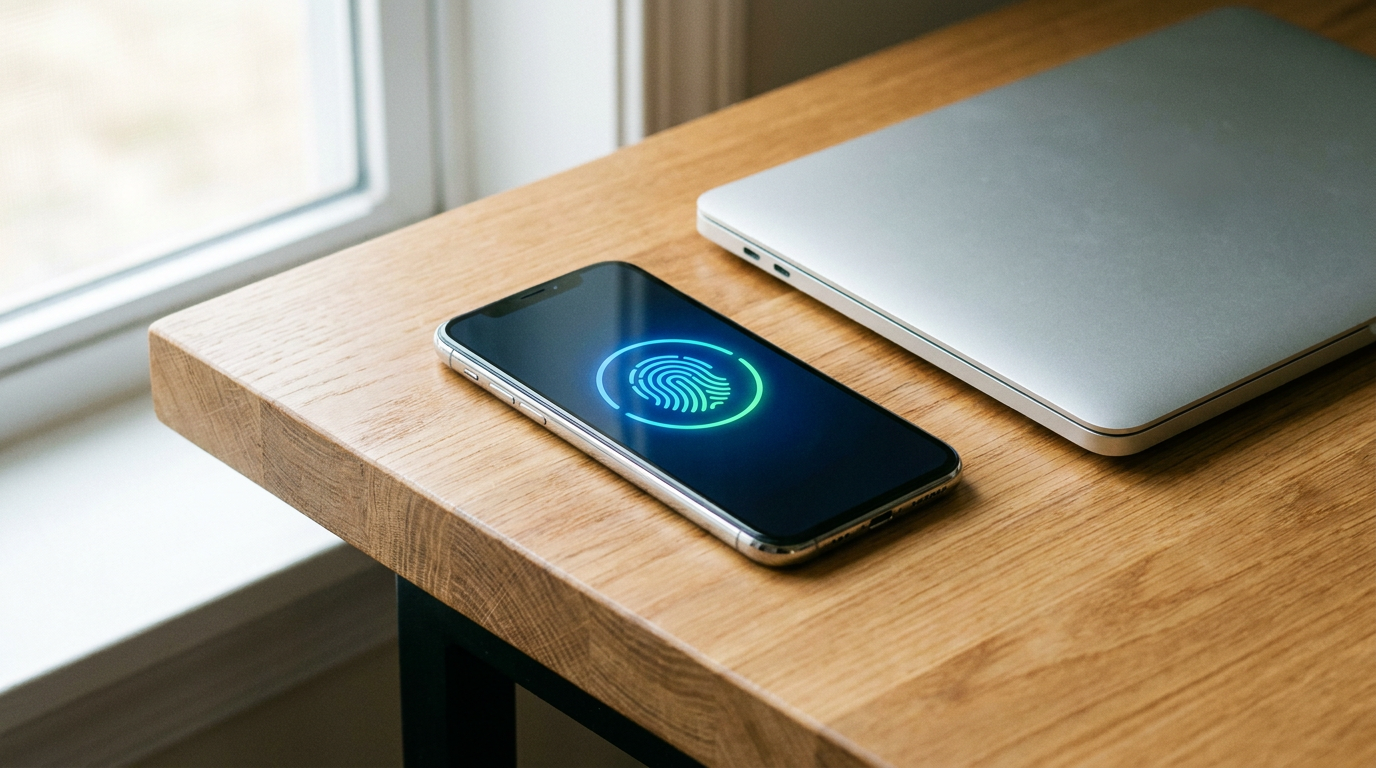
The most critical action on the 2026 checklist is the adoption of passkeys. Major platforms, including Apple, Google, Amazon, and Microsoft, have fully integrated passkey support, marking the beginning of the end for the password. A passkey is a secure digital credential tied to your specific device, utilizing public key cryptography to replace passwords entirely. Instead of typing a string of characters, users authenticate their identity using the biometric sensors already built into their phones and laptops.[3][4][6]
The mechanism behind passkeys solves the internet's biggest vulnerability: phishing. When you register for a service using a passkey, your device generates a unique cryptographic key pair. The public key is shared with the website's server, while the private key never leaves your device's secure hardware enclave. To log in, you simply use your device's biometric unlock—like FaceID, a fingerprint scan, or a local PIN—to authorize a cryptographic signature that proves you hold the private key.[4]

Because the private key is never transmitted across the internet, there is nothing for a hacker to intercept or steal in a corporate data breach. Furthermore, passkeys are cryptographically bound to the specific website's domain. If a user is tricked into clicking a link to a convincing fake login page, the device will simply refuse to authenticate, rendering the phishing attempt mathematically useless. The system relies on what you have and who you are, rather than what you can remember.[3][4]
Because the private key is never transmitted across the internet, there is nothing for a hacker to intercept or steal in a corporate data breach.
Despite the rapid adoption of passkeys, legacy passwords will remain a reality for many smaller websites and older systems throughout the transition period. For these accounts, security experts are urging a shift from complex jumbles of symbols to long passphrases. A 16-character passphrase composed of four or five random words is mathematically harder for AI tools to crack than a shorter password packed with special characters, and it is significantly easier for a human to type and remember.[5]
Managing these legacy credentials requires a dedicated password manager. CISA and security professionals universally recommend using a password manager to generate, store, and encrypt unique credentials for every single account. Reusing passwords remains one of the most dangerous digital practices; a breach on a minor, forgotten forum can instantly compromise a user's primary email, banking, or social media accounts if the credentials are the same.[1]

Beyond authentication, the 2026 checklist emphasizes securing the physical device itself. The Electronic Frontier Foundation (EFF), in its Surveillance Self-Defense guide, highlights that software security is meaningless if a lost or stolen laptop can be easily accessed by whoever finds it. The EFF strongly recommends enabling full disk encryption—such as BitLocker for Windows or FileVault for macOS. This feature scrambles the device's data at rest, making the hard drive completely unreadable until the correct login is provided.[2]
This physical security is especially critical during international travel. Privacy advocates and digital rights groups advise users to power down their phones and laptops completely before passing through border security or airport checkpoints. Powering down a device forces the encryption keys out of the system's temporary RAM, requiring the full passcode to unlock it upon reboot. This simple step significantly hardens the device against forensic analysis and unauthorized access.[2][7]
The next essential checklist item is automating your software defenses. Delaying software updates is a primary vector for malware infections, as hackers quickly weaponize newly discovered vulnerabilities the moment they are announced. CISA advises users to enable automatic updates for operating systems, web browsers, and critical applications, ensuring that vital security patches are applied in the background without requiring manual intervention or relying on the user's memory.[1]

Finally, users must engage in basic "threat modeling," a concept heavily championed by the EFF. Threat modeling involves assessing what digital assets you have, who might want to access them, and what happens if they are compromised. For the average user, this means auditing app permissions, disabling unnecessary location tracking, and transitioning sensitive conversations to end-to-end encrypted messaging platforms like Signal, utilizing disappearing messages to minimize long-term data retention.[2]
While the transition to a passwordless future is accelerating, uncertainties remain regarding edge cases. The primary concern for many users is account recovery: what happens if the device holding the passkeys is lost, stolen, or destroyed? While cloud-syncing ecosystems like iCloud Keychain and Google Password Manager mitigate this risk by securely backing up passkeys across a user's devices, security professionals recommend registering a secondary device or a physical hardware security key, such as a YubiKey, to ensure uninterrupted access.[3][8]
How we got here
2022
The FIDO Alliance, Apple, Google, and Microsoft announce expanded support for a common passwordless sign-in standard.
2024-2025
Major consumer platforms begin rolling out passkey support as a primary login method, shifting away from passwords.
2026
Passkeys reach critical mass, becoming the default authentication method for a majority of new devices and major web services.
Viewpoints in depth
Cybersecurity Agencies
Focus on broad, foundational cyber hygiene to protect the general public.
Government agencies like CISA emphasize that the vast majority of cyber incidents are preventable through basic hygiene. Their guidance focuses on actionable, low-friction steps—such as enabling automatic updates and using password managers—rather than complex technical overhauls. They argue that raising the baseline security of the average user is the most effective way to protect national infrastructure and economic stability.
Privacy Advocates
Emphasize protecting data from both corporate surveillance and physical seizure.
Organizations like the Electronic Frontier Foundation (EFF) view security through the lens of threat modeling and surveillance defense. They argue that protecting accounts from remote hackers is only half the battle. Their protocols heavily emphasize full disk encryption, minimizing data retention through disappearing messages, and securing physical devices against forensic analysis at border crossings or during physical confiscation.
Identity & Access Industry
Champion the rapid adoption of FIDO2 passkeys as the ultimate solution to human error.
Security vendors and tech giants argue that human memory is the weakest link in digital security. They view the transition to passkeys not just as an incremental upgrade, but as a paradigm shift that mathematically eliminates phishing and credential stuffing. This camp believes that by removing the user's ability to make a mistake—such as typing a password into a fake site—the industry can neutralize the most common attack vectors entirely.
What we don't know
- How quickly smaller, independent websites will adopt FIDO2 passkey standards to fully eliminate legacy passwords.
- The long-term security implications if a user's primary cloud ecosystem (like Apple iCloud or Google) is completely compromised.
Key terms
- Passkey
- A cryptographic entity stored on your device that replaces a password, unlocked via biometrics or a PIN.
- Phishing
- A cyberattack where criminals impersonate legitimate organizations to trick users into revealing sensitive information.
- Full Disk Encryption
- A security feature that scrambles all data on a device's hard drive, making it unreadable without the correct password or key.
- Threat Modeling
- The process of identifying what digital assets you have, who might want to steal them, and how to best protect them.
- Public Key Cryptography
- A security system using a pair of keys—a public one shared with a website and a private one kept secretly on your device—to verify identity.
Frequently asked
What exactly is a passkey?
A passkey is a secure digital credential stored on your device that replaces a password. It uses public key cryptography and your device's biometric unlock to log you in without transmitting any sensitive data.
Are passkeys safer than traditional passwords?
Yes. Because the private key never leaves your device, passkeys cannot be stolen in a corporate data breach and are completely immune to phishing attacks.
What happens if I lose the phone holding my passkeys?
Most passkeys are synced to your cloud account, allowing you to recover them on a new device. Experts also recommend setting up a backup hardware key for maximum security.
Why are 16-character passphrases better than complex short passwords?
AI-powered cracking tools can guess short, complex passwords very quickly. A longer passphrase made of random words is mathematically harder for computers to crack, yet easier for humans to remember.
Sources
Source coverage
8 outlets
3 viewpoints surfaced








[1]CISACybersecurity Agencies
Cybersecurity Awareness Month: Secure Our World
Read on CISA →[2]Electronic Frontier FoundationPrivacy Advocates
Surveillance Self-Defense: Tips, Tools, and How-tos for Safer Online Communications
Read on Electronic Frontier Foundation →[3]LockstologinsIdentity & Access Industry
How Passkeys Work and How to Set Up
Read on Lockstologins →[4]MiniOrangeIdentity & Access Industry
What is a Passkey? How it Works & Benefits
Read on MiniOrange →[5]AtrityIdentity & Access Industry
Passkeys: The Passwordless Future
Read on Atrity →[6]HumblecloudIdentity & Access Industry
Passkeys Explained: Why Passwords Will Disappear by 2026
Read on Humblecloud →[7]Activist ChecklistPrivacy Advocates
Travel & Flight Security Checklist
Read on Activist Checklist →[8]Factlen Editorial Team
Synthesis by Factlen editorial team
Read on Factlen Editorial Team →


Every angle. Every day.
Get guides stories with full source coverage and perspective breakdowns delivered to your inbox.