
How to Run Powerful AI Models Locally on Your Own Hardware in 2026
As open-weight models become smaller and more capable, running private, subscription-free AI directly on consumer laptops has shifted from a hobbyist niche to a mainstream productivity hack.
By Factlen Editorial Team
- Developer Community
- Prioritizes deep customization, avoiding API costs, and seamlessly integrating local models into automated coding workflows.
- Enterprise & Privacy Advocates
- Focuses on data sovereignty, zero data leaving the network, and strict HIPAA/GDPR compliance for businesses.
- Consumer & Educator Advocates
- Values ease of use, graphical interfaces like LM Studio, and the educational benefits of running AI without expensive cloud subscriptions.
- Technology Analysts
- Provides a high-level synthesis of hardware trends, software ecosystems, and the broader shift toward decentralized AI.
What's not represented
- · Hardware Manufacturers
- · Cloud AI Providers
Why this matters
Running AI locally grants you complete data privacy, eliminates monthly subscription fees, and allows you to use powerful language models entirely offline. It transforms your personal computer into a secure, self-contained intelligence engine.
Key points
- Local AI models run entirely on your device, ensuring complete data privacy and offline functionality.
- Tools like Ollama and LM Studio have made downloading and running models as simple as installing a standard desktop app.
- Quantization techniques compress massive models into the GGUF format, allowing them to run on consumer laptops.
- Video RAM (VRAM) is the primary hardware bottleneck, with 8GB serving as a solid baseline for entry-level models.
The era of relying exclusively on cloud-based artificial intelligence is facing a powerful, privacy-first counter-movement. While platforms like ChatGPT and Claude initially captured the world's attention, a growing community of developers, enterprises, and everyday users are choosing to run Large Language Models (LLMs) directly on their own hardware. This shift is driven by a desire for complete data sovereignty, the elimination of recurring subscription fees, and the rapidly advancing capabilities of open-weight models.[1][3][9]
Running an AI model locally means the entire computational process happens on your personal computer or on-premise server. When you type a prompt, your data never traverses the internet, never touches a third-party server, and is never used to train future commercial models. For healthcare professionals handling patient records, lawyers parsing confidential contracts, or developers writing proprietary code, this offline architecture solves the massive compliance hurdles associated with cloud APIs.[3][4]
Beyond privacy, the financial incentives are compelling. Cloud AI providers charge based on token usage, which can quickly become expensive for high-volume tasks like document summarization or automated coding. Once a local environment is configured, generating text, analyzing files, or writing scripts is entirely free. Furthermore, local models operate without an internet connection, providing a resilient toolset for users traveling or working in secure, air-gapped environments.[1][4][7]
Until recently, the primary barrier to local AI was the staggering hardware requirement. However, the widespread adoption of "quantization" has democratized access. Quantization compresses massive AI models by reducing the precision of their internal weights—often mapping high-precision floating-point numbers down to 4-bit integers. Packaged in the highly optimized GGUF (GPT-Generated Unified Format), these compressed models can run efficiently on consumer-grade laptops without sacrificing significant reasoning capability.[2][4]

The hardware bottleneck for local AI is no longer raw processing power, but rather memory—specifically Video RAM (VRAM). Because an entire model must be loaded into memory to function quickly, VRAM dictates the size of the AI you can run. For entry-level exploration, a system with 8GB of RAM and a GPU with 6GB of VRAM can comfortably run smaller 7-billion to 8-billion parameter models.[4][7]
For more advanced professional workflows, hardware requirements scale up. Running highly capable 14-billion to 32-billion parameter models typically requires 16GB to 24GB of VRAM. Apple Silicon Macs, which feature a unified memory architecture that allows the GPU to access massive pools of system RAM, have emerged as highly efficient machines for local AI inference, rivaling expensive dedicated Nvidia graphics cards for everyday use.[1][4]
The software ecosystem powering this local revolution is dominated by two primary tools: Ollama and LM Studio. Ollama operates primarily as a command-line interface, functioning much like a package manager or "Docker for AI." With a single terminal command—such as `ollama run llama3`—the software automatically downloads the model, configures the hardware acceleration, and launches an interactive chat session.[1][3][7]
The software ecosystem powering this local revolution is dominated by two primary tools: Ollama and LM Studio.
Under the hood, Ollama runs a local server on port 11434, exposing a REST API that mimics the structure of popular cloud AI services. This architectural choice is brilliant: it allows any third-party application, coding assistant, or user interface designed to talk to OpenAI's servers to be easily redirected to your private, local model instead.[1][2]

For users who prefer a visual interface over the command line, LM Studio has become the gold standard. LM Studio is a cross-platform desktop application that provides a fully integrated graphical user interface. It features a built-in browser that connects directly to Hugging Face—the premier repository for open-source AI—allowing users to search, download, and manage GGUF model files with a single click.[2]
LM Studio also abstracts away the complex hardware configurations. Users can easily adjust the "GPU Offload" slider to push as much of the model's computation to their graphics card as possible, optimizing response times. The application includes a ChatGPT-style chat interface, complete with system prompt configuration and the ability to manage multiple conversation threads.[2]
Selecting the right model is crucial for a smooth experience. In 2026, the open-weight landscape is incredibly rich. Lightweight models like Google's Gemma 4 (specifically the 2B and 4B parameter versions) or Microsoft's Phi-4 are perfect for older laptops or resource-constrained devices. For general-purpose reasoning and writing, 7-billion to 8-billion parameter models like Meta's Llama 3.1 and Alibaba's Qwen 2.5 offer a remarkable balance of speed and intelligence.[4][6]
For specialized tasks like software development, the open-source community has released models specifically fine-tuned for coding. DeepSeek's R1 series and Qwen's Coder variants consistently benchmark near the performance of proprietary cloud models. These models can analyze complex codebases, suggest optimizations, and write boilerplate code entirely offline.[4][6]

The true power of local AI unlocks when these models are connected to external tools. Using a technique called Retrieval-Augmented Generation (RAG), users can grant their local AI access to their personal files. Applications like AnythingLLM provide a modern interface that connects to Ollama, allowing users to point the AI at a folder of PDFs, Word documents, or spreadsheets, and instantly search and summarize their contents without uploading anything to the cloud.[5]
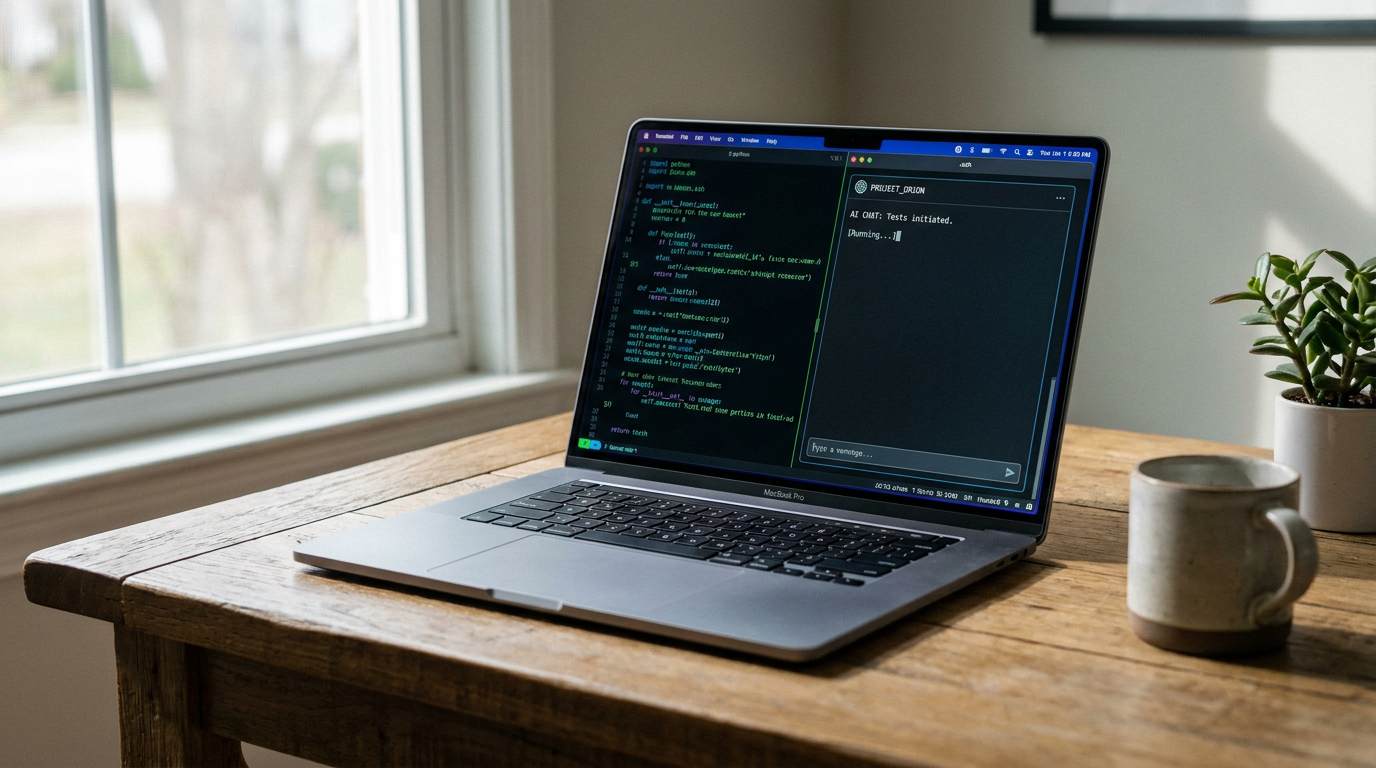
Developers are taking this integration even further by pairing local models with autonomous coding agents. Tools like Claude Code and OpenHands can be configured to bypass cloud APIs and route their reasoning engines through a local instance of LM Studio or Ollama. By serving a model like Qwen 3.6 locally, developers can unleash an agent to autonomously navigate their codebase, fix bugs, and write tests, all while keeping their proprietary source code strictly on their own machine.[6][8]
Despite the rapid advancements, local AI still comes with trade-offs. Offline models, constrained by consumer hardware, generally cannot match the sheer processing depth, vast knowledge base, or multi-step reasoning capabilities of frontier cloud models running on massive server clusters. Complex logic puzzles or highly obscure factual queries may result in hallucinations or degraded performance compared to a premium cloud subscription.[3]
Furthermore, managing local models requires a degree of technical patience. Users must navigate occasional out-of-memory errors, experiment with different quantization levels to find the right balance of speed and accuracy, and manually update their models as new versions are released.[1][5]
Nevertheless, the trajectory is clear. As hardware becomes more capable and open-weight models become more efficient, the gap between cloud and local AI is narrowing. For privacy-conscious individuals, cost-sensitive developers, and compliance-bound enterprises, running AI locally is no longer just a technical experiment—it is a robust, practical, and highly empowering daily workflow.[3][4][9]
How we got here
Early 2023
Meta's LLaMA model is leaked, sparking the open-source AI movement and the creation of tools to run models on standard CPUs.
Late 2023
The GGUF format is introduced, standardizing how compressed, quantized models are shared and executed on consumer hardware.
2024
User-friendly GUI tools like LM Studio and Ollama gain massive popularity, abstracting away complex command-line setups.
2025
Enterprise adoption accelerates as companies seek fully private, offline AI solutions to comply with data protection regulations.
2026
Highly capable, small-parameter models like Gemma 4 and Qwen 3.5 make local AI a standard productivity tool for developers and consumers.
Viewpoints in depth
Enterprise & Privacy Advocates
Focuses on data sovereignty, zero data leaving the network, and strict HIPAA/GDPR compliance for businesses.
For organizations handling sensitive data, cloud-based AI presents a massive liability. Sending patient records, legal contracts, or proprietary source code to a third-party server often violates strict compliance frameworks like HIPAA or GDPR. This camp views local LLM deployment not as a fun hobby, but as an absolute enterprise necessity. By keeping all data processing strictly on-premise, companies achieve 'privacy by design,' ensuring that zero data ever leaves their network perimeter while still benefiting from advanced AI capabilities.
Developer Community
Prioritizes deep customization, avoiding API costs, and seamlessly integrating local models into automated coding workflows.
Software engineers and open-source contributors are driving the rapid advancement of local AI tools. For this group, the primary draw is control and cost-efficiency. Cloud AI providers charge per token, which makes high-volume tasks like autonomous code generation or large-scale data processing prohibitively expensive. By running models locally, developers can experiment endlessly without watching a meter. Furthermore, they can seamlessly plug local models into sophisticated agentic frameworks like Claude Code or OpenHands, creating autonomous coding assistants that operate entirely within their local environment.
Consumer & Educator Advocates
Values ease of use, graphical interfaces like LM Studio, and the educational benefits of running AI without expensive cloud subscriptions.
This perspective champions the democratization of AI for the everyday user. Historically, running a local model required deep command-line knowledge and complex Python environments. Now, advocates celebrate tools like LM Studio and AnythingLLM, which provide intuitive, click-to-install interfaces. For students, hobbyists, and educators, local AI offers a powerful, subscription-free way to learn about machine learning, experiment with different models, and build personal knowledge bases without relying on a constant internet connection or paying monthly fees.
What we don't know
- How upcoming hardware architectures from Intel, AMD, and Apple will specifically optimize for local AI inference natively.
- Whether future regulatory frameworks will attempt to restrict the distribution of powerful open-weight models to consumers.
Key terms
- LLM (Large Language Model)
- An artificial intelligence system trained on vast amounts of text to understand and generate human language.
- Quantization
- A compression technique that reduces the precision of an AI model's internal numbers, allowing massive models to run on consumer hardware.
- VRAM (Video RAM)
- The dedicated memory on a graphics card, which is the primary bottleneck for loading and running local AI models quickly.
- GGUF
- A highly optimized file format designed specifically for storing and running quantized AI models efficiently on standard computers.
- RAG (Retrieval-Augmented Generation)
- A technique that allows an AI model to search through and reference your private documents and data before answering a question.
- Ollama
- A popular, open-source command-line tool that simplifies downloading and running local AI models, acting much like a package manager.
Frequently asked
Do I need an internet connection to use a local AI?
No. Once you have downloaded the model file and the software (like Ollama or LM Studio), the AI runs entirely offline on your device's hardware.
Are local AI models as smart as ChatGPT?
While local models are incredibly capable for writing, coding, and summarization, they generally cannot match the vast knowledge base or deep reasoning of frontier cloud models running on massive server farms.
Can I run local AI on an Apple Mac?
Yes. Apple Silicon Macs (M1, M2, M3, M4) are actually some of the best machines for local AI because their unified memory architecture allows the GPU to access large amounts of system RAM.
Is it free to run AI locally?
Yes. The software tools and open-weight models are free to download and use. Your only cost is the electricity required to power your computer's hardware.
Sources
Source coverage
9 outlets
4 viewpoints surfaced









[1]MindStudioEnterprise & Privacy Advocates
Guide to Running Local AI Models with Ollama in 2026
Read on MindStudio →[2]DataCampConsumer & Educator Advocates
LM Studio Tutorial: Get Started with Local LLMs
Read on DataCamp →[3]Digital AppliedEnterprise & Privacy Advocates
Enterprise Local LLM Deployment Guide
Read on Digital Applied →[4]LocalLLM.inConsumer & Educator Advocates
How to Run Local LLMs: The Ultimate Guide for 2025
Read on LocalLLM.in →[5]Northwestern University ITConsumer & Educator Advocates
Getting Started: A Novice-Friendly Guide to Running Local AI
Read on Northwestern University IT →[6]UnslothDeveloper Community
How to Run Local LLMs with Claude Code
Read on Unsloth →[7]MediumDeveloper Community
Running AI Models Locally Using Ollama — A Complete Beginner Guide
Read on Medium →[8]OpenHandsDeveloper Community
Running OpenHands with a Local LLM using LM Studio
Read on OpenHands →[9]Factlen Editorial TeamTechnology Analysts
Synthesis by Factlen editorial team
Read on Factlen Editorial Team →

Every angle. Every day.
Get guides stories with full source coverage and perspective breakdowns delivered to your inbox.