
The Rise of Local AI: How to Run Large Language Models on Your Own Laptop
Advances in model compression and consumer hardware mean you no longer need the cloud to run powerful AI. Local AI tools are bringing privacy, speed, and zero-cost inference directly to everyday laptops.
By Factlen Editorial Team
- Enterprise Developers
- Value local LLMs for cost control and compliance, allowing them to build automated workflows without API limits.
- Privacy & Security Advocates
- Argue that local AI is the only reliable way to prevent mass surveillance and corporate data harvesting.
- Hardware & Ecosystem Analysts
- Focus on the rapid optimization of models and tools that make consumer-grade hardware viable for AI.
What's not represented
- · Cloud AI Providers
- · Non-technical consumers
Why this matters
Running AI locally shifts the balance of power away from massive cloud providers and back to the user. It allows individuals and businesses to use powerful AI tools with absolute privacy, zero recurring costs, and no reliance on an internet connection.
Key points
- Local AI allows users to run powerful language models directly on their laptops without an internet connection.
- Techniques like quantization compress massive AI models so they can run efficiently on 8GB to 16GB of RAM.
- Tools like Ollama and LM Studio have replaced complex coding setups with simple, one-click installations.
- Running AI locally guarantees absolute data privacy, making it ideal for sensitive enterprise or personal data.
- Local inference eliminates recurring API costs and network latency, providing instant, free text generation.
For years, interacting with artificial intelligence meant sending your thoughts, code, and private data to a remote server owned by a tech giant. Every prompt incurred a tiny cost, required an internet connection, and added a fraction of a second in network latency. But in 2026, a quiet revolution has matured: the ability to run highly capable Large Language Models (LLMs) directly on your own laptop.[8][9]
This shift from cloud to local inference is democratizing AI access. Instead of paying monthly subscriptions or API fees, users are downloading open-weight models and running them on hardware they already own. The appeal is straightforward and deeply empowering: absolute privacy, zero recurring costs, and offline availability.[4][6]
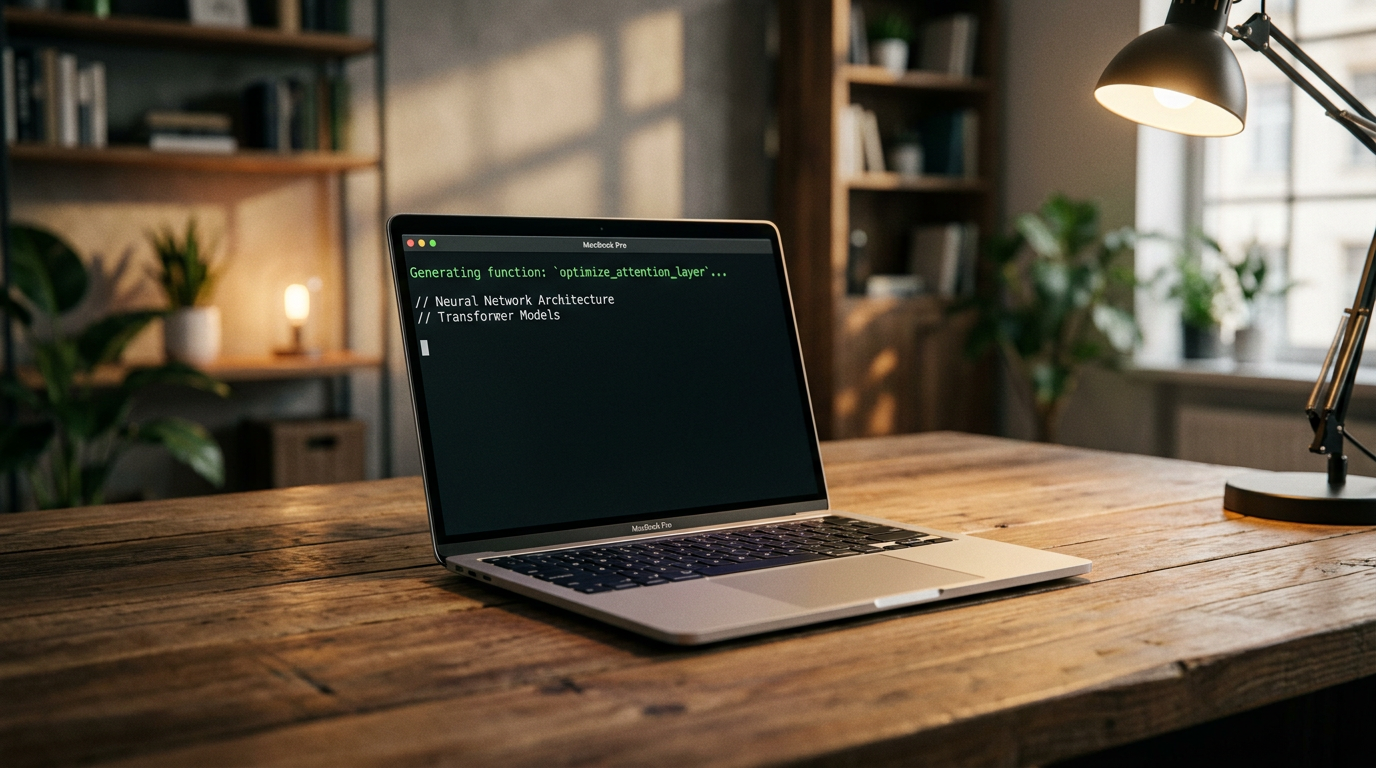
The hardware barrier to entry has fallen dramatically. You no longer need a massive data center or a $5,000 workstation to run a competent AI. Today, a standard laptop with 8 to 16 gigabytes of RAM can comfortably host a mid-sized model. Apple Silicon, with its unified memory architecture, has proven particularly adept at this, allowing Macs to share memory efficiently between the CPU and GPU to process text at lightning speeds.[3][4][6]

How did models that once required supercomputers shrink to fit in a backpack? The answer lies in a mathematical technique called quantization. Researchers discovered that AI models do not need 32-bit precision for every calculation. By compressing the model's weights down to 4-bit precision, the memory footprint is slashed by up to 80% with only a negligible drop in output quality.[4][9]
This compression is standardized in a file format known as GGUF (GPT-Generated Unified Format). GGUF files are optimized for fast loading and efficient execution on standard consumer processors, meaning you do not even need a dedicated graphics card to get started. The CPU in a modern laptop is often more than enough to generate text faster than you can read it.[3]
The software ecosystem has also evolved from complex Python scripts to user-friendly applications. Three tools currently dominate the local AI landscape: Ollama, LM Studio, and Jan. Each caters to a different type of user, but all share the goal of making local inference as simple as installing a web browser.[6][7]
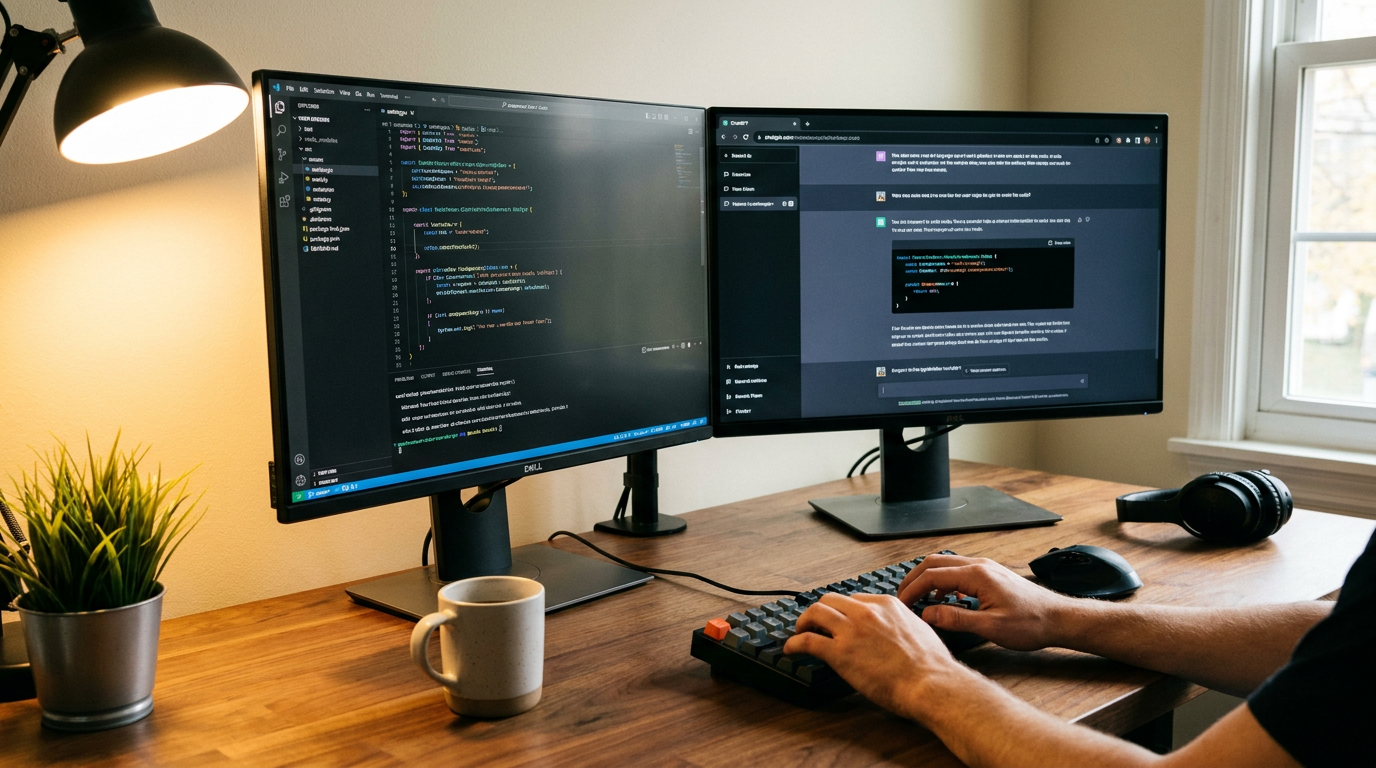
Ollama has emerged as the developer's favorite. It operates primarily through a command-line interface, allowing users to download and run models with a single command. Because it runs headlessly in the background, it is ideal for integrating AI into coding scripts, automated agents, or continuous integration pipelines without draining system resources on a graphical interface.[5][6][7]
For those who prefer a visual interface, LM Studio offers a highly polished desktop application. It features a built-in model browser that lets users search for models, check hardware compatibility, and download them with a click. Once loaded, LM Studio provides a familiar chat interface that looks and feels exactly like a cloud-based chatbot, but runs entirely offline.[4][7]

For those who prefer a visual interface, LM Studio offers a highly polished desktop application.
Jan takes a similar approach, focusing on a 100% offline, privacy-first ChatGPT alternative. It automatically recommends model sizes based on the user's available RAM, removing the guesswork for beginners and ensuring that the selected AI will run smoothly without crashing the computer.[3][6]
But what models are people actually running? The open-weight ecosystem is currently led by tech giants and specialized startups. Meta's Llama 4 Scout and Llama 3.2 3B are highly popular for their balance of speed and capability. Mistral AI, a French company, dominates the mid-range with its Mistral Small 3.2 and Nemo models, which are favored for their clean instruction following and European data sovereignty compliance.[1][4][5]
Google has also entered the local arena with Gemma 4, offering a 12-billion parameter model that fits neatly into 16GB of RAM. When browsing these models, users often see numbers like '3B' or '8B.' The 'B' stands for billions of parameters—the neural connections within the model. A 3B model is fast and lightweight, while an 8B or 12B model offers deeper reasoning at the cost of higher memory usage.[3][4][5]
The primary driver for adopting local AI is privacy. When you run a model locally, your data never leaves the machine. For professionals handling sensitive client data, proprietary source code, or protected health information, sending prompts to a third-party API is a severe security risk. Local inference ensures compliance with strict data regulations like GDPR and HIPAA by default.[2][6][8]

Cost is another massive factor. Developers building 'agentic' workflows—where an AI autonomously makes dozens of calls per minute to solve a task—can quickly rack up hundreds of dollars in API fees. Running those same workflows on a local machine drops the marginal cost of inference to zero, unlocking entirely new ways to experiment with AI.[4][6]
Then there is the benefit of zero network latency. Because the model does not have to send data to a server and wait for a response, local AI can begin generating text in milliseconds. This instant responsiveness is crucial for real-time applications like live transcription, code auto-completion, and accessibility tools.[6][8]
Furthermore, local AI works anywhere. Whether you are on an airplane, in a secure facility with restricted network access, or in a rural area with patchy internet, your AI assistant remains fully functional. This offline capability transforms the laptop into a self-contained intelligence hub.[8]

Despite these advantages, local AI is not without trade-offs. The most capable local models still lag behind massive, cloud-based frontier models when it comes to complex, multi-step reasoning or highly specialized knowledge. A 7B model running on a laptop is brilliant for summarizing a document or drafting an email, but it cannot match the sheer horsepower of a trillion-parameter model running in a data center.[9]
Additionally, running heavy computations locally taxes the hardware. Generating text with a local LLM will spin up the laptop's fans, generate heat, and drain the battery significantly faster than browsing the web. Users must balance their desire for privacy with their device's physical constraints.[8][9]
Nevertheless, the gap between cloud and local capabilities is narrowing every month. As small language models (SLMs) become more efficient and consumer hardware continues to integrate dedicated Neural Processing Units (NPUs), the default computing paradigm is shifting. In the near future, relying on the cloud for everyday AI tasks may seem as outdated as relying on a mainframe to process a spreadsheet.[8][9]
How we got here
2023
Early open-source models require complex Python environments and massive server GPUs to run locally.
Mid-2024
The GGUF format and tools like Ollama standardize local inference, making it accessible via simple command-line tools.
2025
Highly capable small language models (SLMs) like Llama 3 8B prove that consumer hardware can produce production-quality text.
2026
Local AI becomes mainstream with polished desktop GUIs, native smartphone support, and models specifically optimized for 8GB laptops.
Viewpoints in depth
Privacy & Security Advocates
Argue that local AI is the only reliable way to prevent mass surveillance and corporate data harvesting.
For privacy advocates, the cloud-based AI boom represented a catastrophic centralization of personal data. Every query, medical question, and piece of proprietary code sent to a cloud provider became part of a corporate dataset. Local AI reverses this trend by ensuring that the computation happens entirely on the user's hardware. This camp views local inference not just as a technological convenience, but as a fundamental digital right that protects users from surveillance and data breaches.
Enterprise Developers
Value local LLMs for cost control and compliance, allowing them to build automated workflows without API limits.
Developers building the next generation of software rely heavily on 'agentic' workflows, where AI systems make thousands of autonomous decisions a day. Doing this via cloud APIs is prohibitively expensive and introduces unacceptable latency. By shifting to local models, enterprise developers can experiment freely without watching a billing meter. Furthermore, local models allow companies to deploy AI in heavily regulated industries like healthcare and finance without violating strict data residency laws.
Hardware & Ecosystem Analysts
Focus on the rapid optimization of models and tools that make consumer-grade hardware viable for AI.
Hardware analysts view the rise of local AI as a triumph of software optimization. They point out that the hardware itself hasn't changed as drastically as the mathematical techniques used to compress the models. By utilizing quantization and unified memory architectures—particularly Apple Silicon—the ecosystem has managed to squeeze data-center-level performance into a standard laptop chassis. This camp closely monitors the ongoing race between model size and consumer RAM availability.
What we don't know
- How quickly cloud providers will lower API costs to compete with the rise of free local inference.
- Whether future regulatory frameworks will attempt to restrict locally run, uncensored models.
Key terms
- Local LLM
- A large language model that runs entirely on your own device rather than on a remote cloud server.
- Quantization
- A compression technique that reduces the precision of an AI model's weights, drastically lowering the amount of memory needed to run it.
- GGUF
- A standardized file format optimized for running compressed AI models efficiently on standard consumer hardware.
- Open-weights
- AI models where the underlying architecture and parameters are made publicly available for anyone to download and use.
- Inference
- The process of an AI model actively generating text or making predictions based on a user's prompt.
Frequently asked
Do I need an expensive graphics card to run local AI?
No. Thanks to model compression techniques like quantization, modern CPUs and laptops with 8GB to 16GB of RAM can comfortably run mid-sized models.
Is running local AI completely free?
Yes. The software tools (like Ollama and LM Studio) and the open-weight models (like Llama 3 and Mistral) are free to download and use. Your only cost is the electricity and hardware.
Can a local model replace cloud-based AI like ChatGPT?
For everyday tasks like drafting emails, summarizing documents, and basic coding, yes. However, massive cloud models still hold an edge in complex, multi-step reasoning.
What does the 'B' mean in model names like 8B?
The 'B' stands for billions of parameters, which are the neural connections in the AI. A higher number generally means a smarter model, but it requires more RAM to run.
Sources
Source coverage
9 outlets
3 viewpoints surfaced








[1]modelfit.ioHardware & Ecosystem Analysts
Llama vs Mistral: Ecosystem Giant vs Mid-Range Specialist
Read on modelfit.io →[2]DataCampEnterprise Developers
Serving Llama 3 Locally
Read on DataCamp →[3]JanPrivacy & Security Advocates
Understanding AI Models and Hardware Requirements
Read on Jan →[4]Prompt QuorumHardware & Ecosystem Analysts
Best Local LLMs June 2026: Ollama, LM Studio, Hardware & VRAM Guide
Read on Prompt Quorum →[5]PinggyEnterprise Developers
Top 5 Local LLM Tools in 2026
Read on Pinggy →[6]DEV CommunityEnterprise Developers
Ollama, LM Studio, and Jan: The 2026 Guide
Read on DEV Community →[7]ContaboEnterprise Developers
Ollama vs LM Studio: How to Run Local LLMs
Read on Contabo →[8]CouchbasePrivacy & Security Advocates
On-Device AI: Benefits, Use Cases, and Challenges
Read on Couchbase →[9]Factlen Editorial TeamHardware & Ecosystem Analysts
Synthesis by Factlen editorial team
Read on Factlen Editorial Team →

Every angle. Every day.
Get ai stories with full source coverage and perspective breakdowns delivered to your inbox.