
The End of the Password: What the Evidence Says About Passkey Security
As major tech platforms make passkeys the default in 2026, decades of password-related anxiety are coming to an end. We examine the cryptographic evidence, deployment data, and remaining edge cases of the passwordless transition.
By Factlen Editorial Team
- Security Architects
- Focus on the cryptographic certainty of WebAuthn and the mathematical elimination of credential phishing.
- Usability Researchers
- Analyze user friction, the learning curve of passwordless flows, and the complexities of account recovery.
- Privacy & Open-Web Advocates
- Monitor the transition for signs of ecosystem lock-in by major OS vendors and advocate for cross-platform portability.
What's not represented
- · Elderly and low-digital-literacy users navigating the transition
- · Customer support workers handling new account recovery protocols
Why this matters
Passwords have been the root cause of over 80% of data breaches for the last decade, costing users time, money, and privacy. The transition to passkeys fundamentally neutralizes this threat, making the internet measurably safer for the average person.
Key points
- Passkeys replace memorized passwords with cryptographic keys bound to a user's device.
- Because the keys are cryptographically tied to specific domains, they are mathematically immune to traditional phishing.
- Major platforms sync passkeys via cloud accounts to prevent users from being locked out if they lose a device.
- While passkeys secure the login process, the security of the underlying cloud account becomes the new critical perimeter.
- High-risk users are advised to use hardware-bound passkeys that cannot be synced to the cloud.
For decades, the fundamental vulnerability of the internet has been human memory. We were asked to memorize complex strings of characters, and attackers simply tricked us into handing them over. The resulting arms race of password managers, complex character requirements, and SMS verification codes created a web environment defined by friction and anxiety.[7]
By mid-2026, the technology industry has largely agreed on a unified solution: the passkey. Promoted heavily by the FIDO Alliance and integrated natively into major operating systems, passkeys replace passwords with cryptographic keys bound directly to a user's device.[1][7]
The central claim driving this massive infrastructure transition is bold: passkeys completely eliminate credential phishing. As an evidence pack, this article evaluates the data behind that claim, the underlying cryptographic mechanism, and the new edge cases that emerge when passwords disappear.[7]
To understand the evidence, we must first understand the architectural shift. Passwords are "shared secrets"—both you and the website must know the password to verify your identity. If a corporate database is breached, or if a user is tricked into typing their password into a fake website, the secret is compromised.[5]
Passkeys, built on the open WebAuthn standard, abandon shared secrets entirely in favor of asymmetric public key cryptography. When you create a passkey for a service, your device generates a mathematically linked pair of keys.[1]
The "public key" is given to the website and stored on their servers. The "private key" never leaves your device's secure hardware enclave. Crucially, the public key is useless to a hacker on its own; it can only be used to verify a signature created by your specific private key.[1][6]

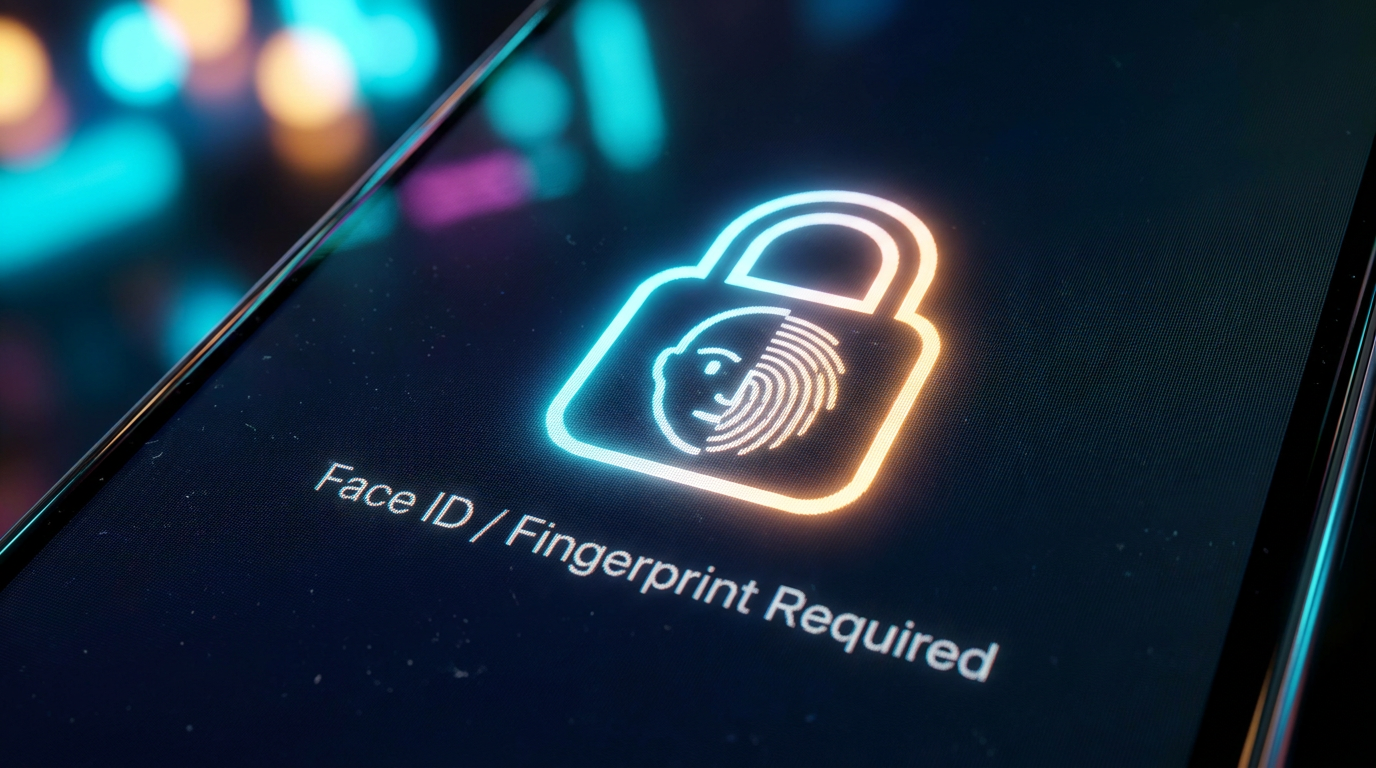
When you log in, the website sends a cryptographic challenge to your phone or computer. Your device uses the private key to solve it, but only after you authorize the action locally via a biometric check—like FaceID or a fingerprint—or a device PIN.[1][6]
Claim 1: Passkeys eliminate phishing. The primary evidence for this claim comes from deployment data at massive scale. Because the private key is cryptographically bound to the specific, legitimate domain (e.g., "bank.com"), it mathematically cannot be used to sign a challenge from a fake phishing site (e.g., "banc.com").[4][7]
Early data from Google's rollout to billions of personal accounts showed a near-total elimination of automated credential harvesting for passkey-enabled users. The underlying math simply does not allow a user to be tricked into handing over their key.[2]
Early data from Google's rollout to billions of personal accounts showed a near-total elimination of automated credential harvesting for passkey-enabled users.
The Cybersecurity and Infrastructure Security Agency (CISA) now classifies FIDO2 passkeys as the gold standard for "phishing-resistant" authentication, urging all critical infrastructure providers to adopt them. Cryptographically, a remote attacker cannot steal a passkey without physical access to the device and the user's biometric data.[4][5]

Claim 2: Passkeys are faster and easier for users. The usability evidence is generally positive, though nuanced. Academic longitudinal studies indicate that users log in significantly faster with passkeys compared to typing passwords and waiting for SMS codes.[3]
Google reported that passkey logins are roughly 40% faster than traditional password-plus-MFA flows, and users are significantly more likely to successfully complete the login process without abandoning the attempt.[2]
However, usability researchers note that the initial setup phase still causes friction. Users accustomed to passwords often express confusion about where the passkey "lives" and how it differs from a traditional biometric login, requiring ongoing user education.[3][7]
The Transparent Uncertainty: Account Recovery. If the device is the key, what happens when the device is dropped in a lake? This is where the evidence of absolute security becomes more complicated, shifting the attack surface rather than erasing it entirely.[7]
To prevent users from being permanently locked out of their digital lives, Apple, Google, and independent password managers "sync" passkeys across a user's cloud account. This means the security of your passkeys is ultimately tied to the security of your overarching cloud ecosystem.[6]

If an attacker manages to compromise the underlying cloud account—perhaps through an elaborate social engineering attack on customer support—they could potentially sync the passkeys to a new device. Security architects warn that a system is only as strong as its weakest recovery option.[3][6]
Furthermore, many websites still maintain "fallback" recovery methods that rely on email links or SMS codes, which are notoriously vulnerable to interception. Until these legacy recovery methods are deprecated, the passkey's ironclad security can sometimes be bypassed.[4][7]
For high-risk targets—journalists, executives, or government officials—NIST and CISA recommend "hardware-bound" passkeys, such as a physical YubiKey. These cannot be synced to the cloud, trading consumer convenience for absolute cryptographic certainty.[4][5]
A secondary debate involves market dynamics and ecosystem lock-in. While the FIDO Alliance standards are open, the implementation is heavily controlled by operating system vendors, raising concerns among open-web advocates.[1][7]
Independent password managers have developed robust passkey support, but integrating them seamlessly across different mobile and desktop operating systems remains a technical challenge, though interoperability APIs have improved significantly over the last two years.[3][7]
Ultimately, the evidence overwhelmingly supports the transition to passkeys as a monumental upgrade for global cybersecurity. While they do not eliminate all forms of hacking, they successfully neutralize the most common, scalable threat on the internet, empowering users with security that works by default.[2][7]
How we got here
2012
The FIDO Alliance is founded to develop open standards for passwordless authentication.
2019
The WebAuthn standard becomes an official W3C recommendation, laying the groundwork for passkeys.
2022
Apple, Google, and Microsoft announce joint support for the passkey standard across their platforms.
2023
Google makes passkeys the default authentication method for personal Google accounts.
2026
Passkeys reach mass adoption as enterprise mandates and consumer defaults phase out traditional password fields.
Viewpoints in depth
Security Architects
Focus on the cryptographic certainty of WebAuthn and the mathematical elimination of credential phishing.
For security engineers and agencies like CISA, passkeys represent the holy grail of authentication: removing human error from the equation. Because the WebAuthn protocol requires the browser to verify the website's domain before signing the cryptographic challenge, it is impossible for a user to accidentally give their passkey to a lookalike phishing site. This camp views the transition as the most significant upgrade to internet security in decades, effectively neutralizing the automated credential-stuffing attacks that fuel the ransomware industry.
Usability Researchers
Analyze user friction, the learning curve of passwordless flows, and the complexities of account recovery.
While acknowledging the security benefits, usability experts focus on the human element of the transition. Their research highlights that the concept of a 'passkey' is abstract and often confusing to users who have spent twenty years being told to memorize complex strings. Furthermore, this camp raises concerns about account recovery. If a user loses their device and cannot access their cloud backup, the process of proving their identity to regain access often relies on legacy, less-secure methods like email verification, creating a temporary vulnerability window.
Privacy & Open-Web Advocates
Monitor the transition for signs of ecosystem lock-in by major OS vendors and advocate for cross-platform portability.
Open-web advocates strongly support the death of the password but remain wary of how passkeys are implemented by tech giants. Because passkeys are often synced via Apple's iCloud Keychain or Google's Password Manager, there is a risk of ecosystem lock-in, making it difficult for a user to switch from an iPhone to an Android device without losing their credentials. This camp pushes for robust, standardized export protocols and deeper integration for independent, third-party password managers to ensure users retain sovereign control over their digital identities.
What we don't know
- The exact rate at which attackers will pivot from automated phishing to targeted social engineering against cloud account recovery systems.
- How quickly legacy institutions, such as smaller regional banks, will fully deprecate their password fallback systems.
Key terms
- Public Key Cryptography
- A mathematical system that uses pairs of keys: a public key shared with the website, and a private key kept secretly on your device.
- WebAuthn
- The core web standard written by the W3C and FIDO Alliance that allows websites to communicate securely with your device's passkeys.
- Hardware Enclave
- A physically isolated, highly secure chip inside your phone or computer where private keys and biometric data are stored.
- Phishing-Resistant MFA
- Multi-factor authentication methods that cannot be defeated by tricking a user into entering codes on a fake website.
Frequently asked
Are my fingerprints or face scans sent to the website?
No. Your biometric data never leaves your device. It is only used locally to unlock the secure hardware enclave that holds your private cryptographic key.
What happens if I lose my phone?
For most consumers, passkeys are securely synced to your cloud account (like iCloud or Google Password Manager). When you sign into your new phone, your passkeys are restored.
Can I still use a password if I want to?
Currently, most sites offer passwords as a fallback option. However, security experts recommend disabling password fallbacks once you are comfortable with passkeys, as the fallback remains a vulnerability.
Can I move my passkeys from Apple to Android?
Yes, though the process relies on third-party password managers or secure credential export protocols that the industry is actively standardizing to prevent ecosystem lock-in.
Sources
Source coverage
7 outlets
3 viewpoints surfaced





[1]FIDO AllianceSecurity Architects
How FIDO Works: Standardizing Passwordless Authentication
Read on FIDO Alliance →[2]Google Security BlogUsability Researchers
The impact of default passkeys on account takeovers
Read on Google Security Blog →[3]USENIX Security SymposiumUsability Researchers
A Longitudinal Study of Passkey Usability and Account Recovery Friction
Read on USENIX Security Symposium →[4]Cybersecurity and Infrastructure Security AgencySecurity Architects
Implementing Phishing-Resistant MFA
Read on Cybersecurity and Infrastructure Security Agency →[5]NISTSecurity Architects
SP 800-63B: Digital Identity Guidelines
Read on NIST →[6]Apple Security ResearchPrivacy & Open-Web Advocates
Passkey synchronization and iCloud Keychain security architecture
Read on Apple Security Research →[7]Factlen Editorial TeamPrivacy & Open-Web Advocates
Synthesis by Factlen editorial team
Read on Factlen Editorial Team →

Every angle. Every day.
Get technology stories with full source coverage and perspective breakdowns delivered to your inbox.