
The 2026 Guide to Local AI: How to Run LLMs on Your Own Hardware
Running powerful AI models locally has shifted from a developer niche to a mainstream privacy strategy. Tools like Ollama and LM Studio now allow anyone to run frontier-class AI offline, for free, and with complete data sovereignty.
By Factlen Editorial Team
- Privacy & Enterprise Advocates
- Argue that local AI is a fundamental requirement for data sovereignty and regulatory compliance.
- Open-Source Developers
- Value CLI tools, API compatibility, and the ability to build agentic workflows without vendor lock-in.
- Everyday Consumers
- Prioritize ease of use, zero subscription fees, graphical interfaces, and offline mobile access.
- Hybrid AI Pragmatists
- Acknowledge local AI's rise but maintain that cloud models remain necessary for massive context and frontier reasoning.
What's not represented
- · Hardware manufacturers profiting from the increased demand for high-VRAM consumer GPUs.
- · Cloud AI providers losing retail subscription revenue to local alternatives.
Why this matters
By running AI on your own hardware, you eliminate monthly subscription fees and ensure your private data never touches a corporate server. This shift democratizes access to frontier intelligence, giving users absolute control over their tools.
Key points
- Enterprise on-premises AI inference has surged to 55% in 2026, driven by strict data privacy needs.
- Open-weight models like Meta's Llama 3.1 and Google's Gemma 4 now rival paid cloud services.
- Quantization techniques allow massive AI models to run smoothly on consumer laptops with 8 GB of VRAM.
- Tools like LM Studio and Ollama provide frictionless GUI and CLI interfaces for downloading models.
- Compact models can now run entirely offline on modern smartphones, ensuring privacy and zero latency.
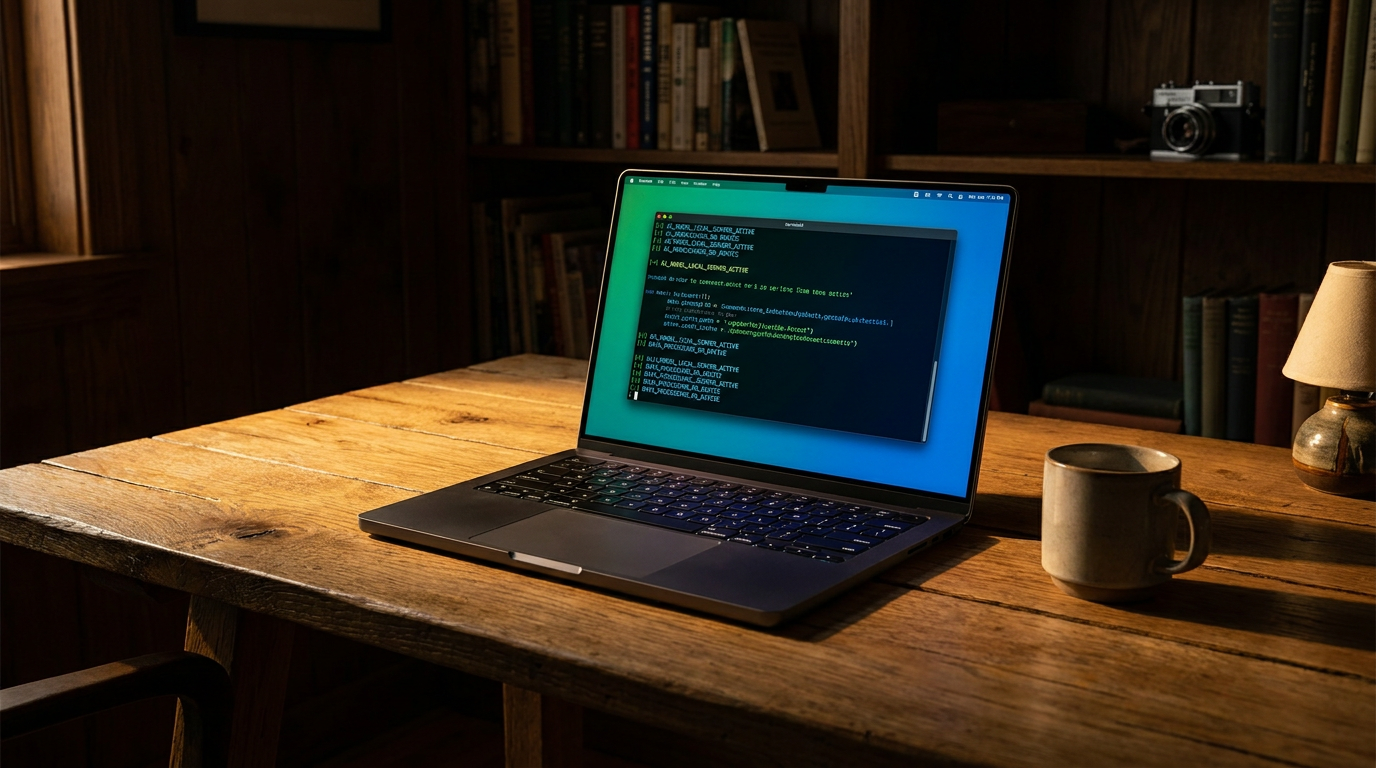
The era of paying $20 a month for a cloud AI subscription is facing a serious challenger. In 2026, running a Large Language Model (LLM) locally on your own laptop or smartphone has transitioned from a complex developer hobby into a mainstream consumer practice.[3]
This shift is driven by a convergence of highly capable open-weight models, optimized software, and consumer hardware that finally has enough memory to handle the load. For professionals handling sensitive data, developers wanting free API access, and everyday users tired of subscription fees, local AI offers a compelling alternative to cloud giants.[3][5]
The enterprise sector has already noticed the shift. In 2026, an estimated 55% of enterprise AI inference now happens on-premises, a massive jump from just 12% in 2023. This migration is largely fueled by the need for absolute data sovereignty—when a model runs locally, prompts and proprietary data never leave the device, eliminating the risk of cloud interception or unauthorized model training.[5]
The engine behind this local revolution is the open-weight model ecosystem. Companies like Meta, Google, and Mistral have released incredibly powerful models—such as Llama 3.1, Gemma 4, and Mistral Large 3—that anyone can download for free. These models are no longer toys; they rival the performance of frontier cloud models from just a year ago, handling coding, creative writing, and complex reasoning with ease.[1][6]

But how do you fit a massive AI model onto a standard laptop? The answer lies in a technique called quantization and a file format known as GGUF. Quantization compresses the neural network's precision—typically down to 4-bit (Q4)—reducing the model's memory footprint by nearly 70% while sacrificing only a tiny fraction of its intelligence.[3][5]
Because of quantization, the hardware requirements for local AI have become surprisingly accessible. To run a standard 8-billion parameter model (like Llama 3.1 8B), you only need about 8 GB of Video RAM (VRAM) on a PC graphics card, or 8 GB of unified memory on an Apple Silicon Mac. For larger, more capable 32B models, 16 GB to 24 GB of memory is the recommended sweet spot.[3][5]

Because of quantization, the hardware requirements for local AI have become surprisingly accessible.
The software ecosystem has also matured, making installation virtually frictionless. For beginners and non-technical users, LM Studio has emerged as the "Spotify of LLMs." It offers a polished graphical user interface where users can search for models, check if they fit their hardware, download them with one click, and chat in a familiar window.[2][4][5]
For developers and power users, Ollama is the undisputed standard. Operating primarily through a command-line interface, Ollama allows users to pull and run models with a single command. More importantly, it exposes a local API that mimics OpenAI's structure, allowing developers to plug local, free models into any app that normally requires a paid ChatGPT API key.[4][5]

The local AI wave has even reached our pockets. On-device AI for smartphones is a reality in 2026, powered by ultra-compact models like Meta's Llama 3.2 (1B and 3B parameters) and Google's Gemma 4. These models can run entirely offline on modern phones, providing instant answers, summarization, and translation without draining the battery or requiring a cell signal.[7]
Tools are also bridging the gap between desktop power and mobile convenience. For instance, LM Studio recently introduced LM Link, a feature that allows an iPhone to securely connect to a Mac running a heavy AI model over an encrypted local network. This gives users the intelligence of a massive desktop GPU right on their phone, completely bypassing the cloud.[4]
Beyond privacy and cost, local LLMs offer a level of customization that cloud providers simply do not allow. Cloud models are heavily guarded by corporate safety filters, which can sometimes refuse benign requests or enforce specific editorial tones. Local models can be uncensored or fine-tuned with custom system prompts, giving the user absolute control over the AI's behavior and output.[3][7]

Despite these massive leaps, local AI is not a complete replacement for the cloud. Frontier cloud models still hold a distinct advantage when it comes to massive context windows—such as analyzing a 500-page legal document in one go—or executing highly complex, multi-step reasoning tasks. Local hardware simply cannot match the raw compute power of a massive data center.[6]
Furthermore, running AI locally requires power. On laptops and phones, heavy inference tasks will drain the battery significantly faster than sending a text prompt to a cloud server. Users must balance their need for privacy and offline access against their device's battery life and thermal limits.[7]
Ultimately, the future of AI in 2026 is hybrid. Everyday tasks, drafting emails, basic coding, and handling sensitive documents are moving to local, air-gapped environments. Meanwhile, users will still reach out to the cloud for the heaviest computational lifting. By mastering local LLM tools today, users gain a powerful, private, and free intelligence engine that lives entirely on their own terms.[5][8]
How we got here
Early 2023
Running local LLMs requires complex Python environments and is largely restricted to AI researchers.
Mid 2023
The llama.cpp project and GGUF format are introduced, making it possible to run models on standard consumer hardware.
2024
Tools like Ollama and LM Studio launch, providing simple CLI and GUI interfaces for downloading and running models.
2025
Open-weight models reach GPT-4 levels of performance, making local AI a viable alternative to paid cloud subscriptions.
2026
On-device AI goes mainstream, with enterprise adoption crossing 50% and compact models running natively on smartphones.
Viewpoints in depth
Privacy & Enterprise Advocates
Argue that local AI is a fundamental requirement for data sovereignty and regulatory compliance.
This camp argues that sending proprietary code, patient data, or confidential legal documents to a cloud provider is an unacceptable risk. They view local LLMs not just as a cost-saving measure, but as a fundamental architectural requirement for data sovereignty. By keeping all inference on-premises, they eliminate the threat of data breaches in transit and ensure compliance with strict regulatory frameworks.
Open-Source Developers
Value CLI tools, API compatibility, and the ability to build agentic workflows without vendor lock-in.
Developers in this camp champion tools like Ollama because they provide a standardized, local API that mimics cloud providers. This allows them to build complex, agentic AI workflows and test applications without incurring massive API costs. They value the ability to fine-tune open-weight models for specific tasks and appreciate the freedom from corporate rate limits and sudden model deprecations.
Everyday Consumers
Prioritize ease of use, zero subscription fees, graphical interfaces, and offline mobile access.
For the general public, the appeal of local AI lies in its zero-dollar price tag and ease of use. This group gravitates toward graphical interfaces like LM Studio, which make downloading and chatting with an AI as simple as installing a web browser. They also value the ability to run models offline on their laptops or phones during flights or in dead zones, as well as the freedom to use uncensored models that lack corporate guardrails.
What we don't know
- How quickly on-device hardware will evolve to run 70-billion parameter models natively on smartphones.
- Whether cloud providers will lower subscription costs to compete with the rising popularity of free local LLMs.
- How future regulatory frameworks might address the distribution of uncensored, open-weight models.
Key terms
- VRAM (Video RAM)
- The dedicated memory on a graphics card, which is the most critical hardware component for loading and running AI models quickly.
- Quantization
- A compression technique that reduces the memory footprint of an AI model, allowing massive neural networks to fit on consumer laptops with minimal loss in intelligence.
- GGUF
- A highly optimized file format that allows AI models to run efficiently on standard consumer CPUs and GPUs.
- Open-weight model
- An AI model where the underlying parameters and neural network weights are made publicly available for anyone to download and run.
- Inference
- The process of an AI model generating a response or prediction based on a user's prompt.
Frequently asked
Can I run an AI model on my smartphone?
Yes. In 2026, compact models like Meta's Llama 3.2 (1B and 3B) and Google's Gemma 4 are specifically designed to run natively on modern smartphones, providing offline answers and summarization.
Do I need an internet connection to use local LLMs?
You only need the internet to initially download the model and the software (like Ollama or LM Studio). Once downloaded, the AI runs 100% offline on your device's hardware.
Is a local AI as smart as ChatGPT?
For everyday tasks like drafting emails, basic coding, and general questions, top local models perform at a similar level. However, cloud models still have an edge in highly complex reasoning and processing massive documents.
What kind of computer do I need?
To run a standard 8-billion parameter model comfortably, you need a PC with an NVIDIA graphics card containing at least 8 GB of VRAM, or an Apple Silicon Mac with at least 8 GB of unified memory.
Sources
Source coverage
8 outlets
4 viewpoints surfaced








[1]PinggyOpen-Source Developers
Top 5 Local LLM Tools and Models in 2026
Read on Pinggy →[2]IliciLabsEveryday Consumers
Best Ways to Run Local LLMs on Windows PC in 2026
Read on IliciLabs →[3]Daily Reading HabitPrivacy & Enterprise Advocates
The 2026 Guide to Local LLMs: Run Private AI on Your Hardware
Read on Daily Reading Habit →[4]PromptQuorumEveryday Consumers
Ollama vs LM Studio 2026: Speed, Features & Setup Guide
Read on PromptQuorum →[5]TECHSYPrivacy & Enterprise Advocates
Run LLMs Locally 2026: 5-Minute Setup, Any GPU
Read on TECHSY →[6]Agent NativeOpen-Source Developers
Ultimate Guide to Local LLMs in 2026
Read on Agent Native →[7]HAVEN SurvivalEveryday Consumers
Best AI Models You Can Run on Your Phone Offline in 2026
Read on HAVEN Survival →[8]Factlen Editorial TeamHybrid AI Pragmatists
Synthesis by Factlen editorial team
Read on Factlen Editorial Team →

More in ai
See all 5 stories →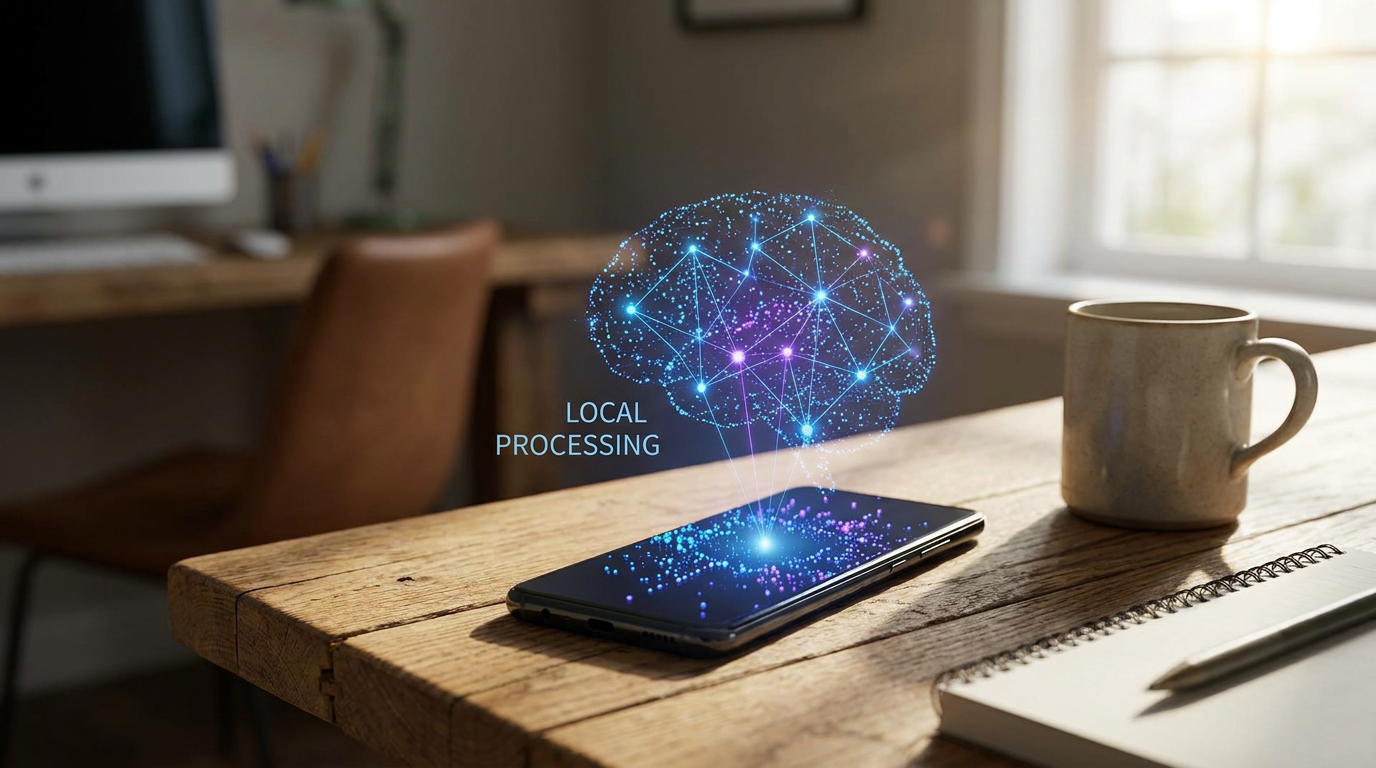

Every angle. Every day.
Get ai stories with full source coverage and perspective breakdowns delivered to your inbox.