
The Rise of Local AI: How Everyday Laptops Are Running Powerful Models Offline
Advancements in Neural Processing Units and model quantization are allowing users to run frontier-grade AI directly on their laptops, bypassing cloud subscriptions and ensuring absolute data privacy.
By Factlen Editorial Team
- Open-Source Developers
- Value control, API compatibility, and the ability to fine-tune models using CLI tools like Ollama without relying on proprietary cloud services.
- Privacy & Enterprise Users
- Prioritize data security, offline inference, and zero-trust environments where sensitive corporate or medical information cannot legally leave the device.
- Everyday Consumers
- Focus on ease of use, battery efficiency, and accessible GUI applications like LM Studio that democratize AI access without subscription fees.
What's not represented
- · Cloud Infrastructure Providers
- · AI Safety Regulators
Why this matters
Running AI locally eliminates recurring subscription fees and ensures sensitive data never leaves your device. This shift democratizes access to powerful digital assistants, making them available offline and entirely under the user's control.
Key points
- Modern laptops now feature dedicated Neural Processing Units (NPUs) that make running AI locally fast and efficient.
- Quantization compresses massive language models so they can fit into standard 16GB laptop RAM.
- Tools like Ollama and LM Studio have replaced complex coding setups with simple, one-click installations.
- Running AI locally ensures absolute data privacy, as sensitive information never leaves the device.
- Local inference eliminates recurring cloud API costs, making high-volume AI usage economically viable.
- Open-weight models like Meta's Llama 3.3 now offer performance rivaling early versions of GPT-4.
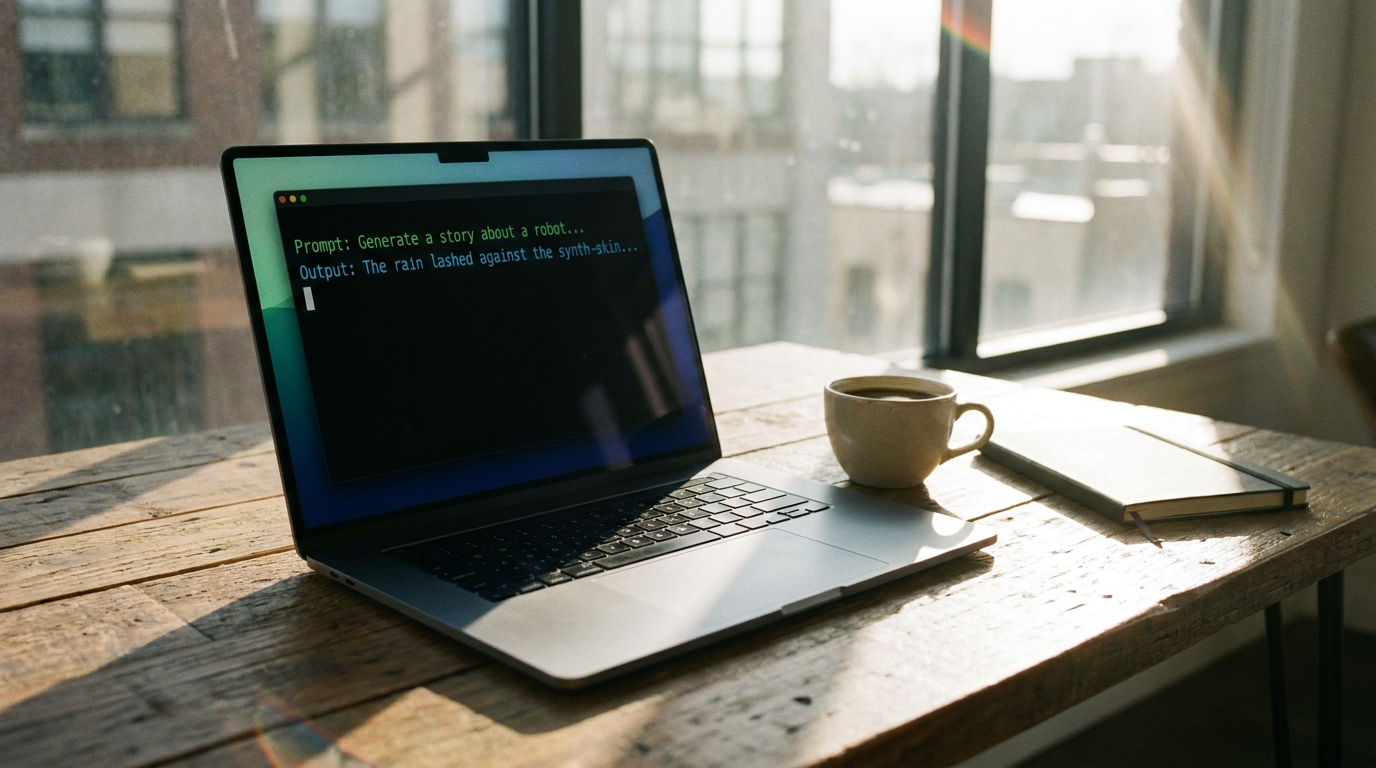
The era of renting artificial intelligence by the token is facing a quiet but powerful rebellion. Across the globe in 2026, millions of users are severing their cloud connections and choosing to run frontier-grade language models directly on their own laptops. Just a few years ago, interacting with a highly capable AI required sending every prompt to massive server farms owned by tech giants, paying monthly subscriptions, and trusting third parties with personal data. Today, the compute has moved to the edge. Driven by rapid advancements in consumer hardware and highly optimized open-weight models, everyday computers have transformed into sovereign intelligence engines. This shift is democratizing access to generative AI, allowing anyone to run powerful digital assistants entirely offline, with zero latency, zero recurring costs, and absolute data privacy.[7]
This transition is primarily driven by a fundamental architectural shift in consumer hardware. Modern laptops are no longer just combinations of general-purpose CPUs and graphics cards; they now feature dedicated Neural Processing Units (NPUs). These specialized chips are designed specifically to handle the complex matrix mathematics that underpins machine learning inference. By offloading AI tasks from the main processor, NPUs allow laptops to run massive language models efficiently without grinding the rest of the system to a halt or immediately draining the battery. This hardware evolution has effectively lowered the barrier to entry, turning standard consumer devices into capable AI workstations.[1][6]
Apple Silicon inadvertently created the perfect environment for this local AI revolution. The M3 and M4 generations of MacBooks feature a unique unified memory architecture, meaning their CPU, GPU, and Neural Engine all share a single, massive pool of high-speed RAM. Because large language models are notoriously memory-bandwidth intensive, this architecture eliminates the data-transfer bottlenecks that traditionally plague PC setups. A high-end MacBook Pro with 128GB of unified memory can comfortably load and run massive 70-billion parameter models that would otherwise require multiple expensive, enterprise-grade graphics cards to operate on a standard desktop computer.[1][6]
The Windows PC ecosystem has aggressively closed this hardware gap in 2026. Qualcomm's Snapdragon X Elite and X2 processors, alongside Intel's Panther Lake Core Ultra series, now deliver between 45 and 80 Trillion Operations Per Second (TOPS) of dedicated NPU performance. These chips easily clear Microsoft's Copilot+ requirements, bringing highly efficient local inference to the broader PC market. For the first time, Windows users can run sophisticated AI models in the background—assisting with coding, summarizing documents, or drafting emails—without experiencing significant system slowdowns or requiring a constant internet connection.[1][6]

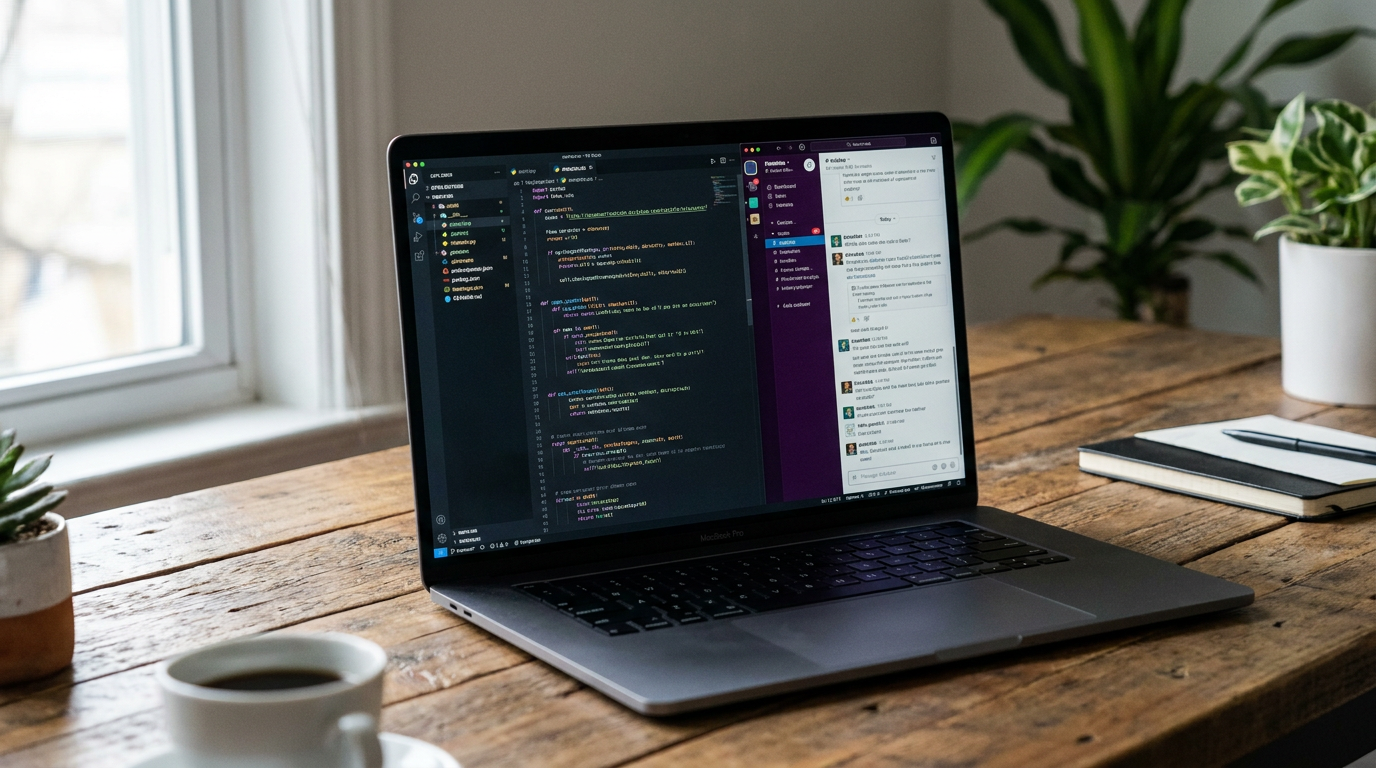
However, powerful hardware is only half of the equation; the software ecosystem has matured just as rapidly to make local AI accessible. Complex Python environments and convoluted installation scripts have been replaced by streamlined, one-click tools. For developers and power users, Ollama has become the industry standard. Operating entirely from the command line, Ollama allows users to download and run optimized models with a single simple command, while simultaneously exposing an OpenAI-compatible API that can be easily integrated into custom applications and coding environments.[4][5]
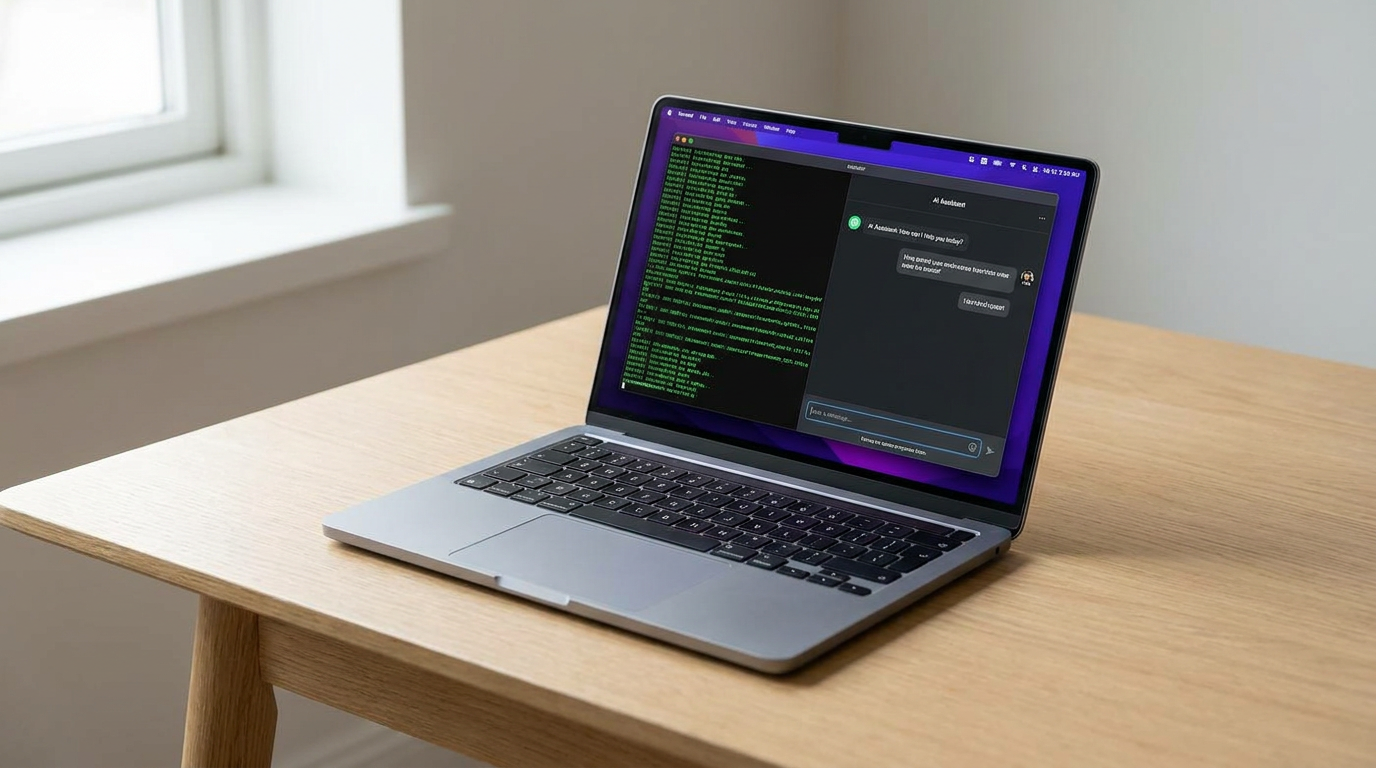
For non-technical users, graphical applications have completely demystified the process of running local models. Tools like LM Studio provide a polished, intuitive desktop interface that feels instantly familiar to anyone who has used ChatGPT. Users can browse a built-in library of available models, download them with a single click, and begin chatting immediately in a clean, visual environment. By hiding the underlying technical complexity, these GUI applications have opened the door for everyday consumers, students, and professionals to leverage local AI without needing to understand the intricacies of machine learning deployment.[4][5]
The technical breakthrough that makes running these massive models on consumer hardware possible is a process called quantization. In their original, uncompressed state, large language models require hundreds of gigabytes of memory to store their neural weights, which are typically represented as highly precise 16-bit floating-point numbers. Quantization systematically compresses these models by reducing the precision of those weights down to 8-bit or even 4-bit integers. This mathematical compression drastically shrinks the model's footprint while retaining the vast majority of its reasoning capabilities and knowledge base.[2][5]
The technical breakthrough that makes running these massive models on consumer hardware possible is a process called quantization.
Thanks to quantization formats like GGUF, a highly capable 8-billion parameter model can now fit comfortably within just 6 to 8 gigabytes of standard laptop RAM. This means that even entry-level laptops purchased in the last few years can participate in the local AI ecosystem. The open-source community has rallied around these formats, ensuring that whenever a new open-weight model is released by a major tech company, quantized versions optimized for everyday hardware are available to download within hours.[2][5]

The models available for local download in 2026 are remarkably sophisticated and highly competitive with proprietary cloud services. Meta's Llama 3.3 series, available in sizes ranging from 8 billion to 70 billion parameters, offers performance that rivals early versions of GPT-4. These models have been rigorously fine-tuned to follow complex instructions, write functional code, and engage in nuanced dialogue, proving that open-weight models can match the utility of closed, commercial systems for the vast majority of daily tasks.[3]
Beyond Meta, a diverse and thriving ecosystem of open-weight models provides users with specialized tools for specific needs. Google's Gemma 4 models are highly optimized, with a 12-billion parameter version designed to run natively within 16GB of RAM. Meanwhile, models from Mistral and DeepSeek offer highly efficient architectures that excel at multilingual translation and advanced coding assistance. This variety allows users to swap out the "brain" of their local AI depending on the specific task at hand, offering a level of customization impossible with monolithic cloud providers.[4]
For many organizations and professionals, the primary draw of local AI is absolute, uncompromising data privacy. When an AI model runs entirely on a local machine, sensitive corporate data, proprietary source code, or personal medical information never leaves the device. This zero-trust architecture is a game-changer for regulated industries like healthcare, finance, and legal services, which have historically been barred from utilizing cloud-based AI tools due to strict compliance risks and the fear of data leaks.[2][3]

The economics of local inference also present a compelling advantage over cloud-based alternatives. Cloud AI providers charge per token, meaning every word read or generated incurs a micro-transaction. For high-volume applications, enterprise deployments, or heavy individual users, these API costs can quickly scale into the thousands of dollars. Once a local model is downloaded, inference is entirely free. The economic burden shifts from a recurring operational expense to a one-time hardware investment, making AI highly scalable for businesses.[2][3][6]
Local models also offer unparalleled reliability and offline capability. Because the entire neural network resides on the laptop's hard drive, the AI functions perfectly on an airplane, in a remote location, or during an internet service outage. This provides an "always-on" intelligence that cloud services, which are vulnerable to server downtime and connectivity issues, simply cannot guarantee. For field workers, travelers, and researchers in remote areas, this offline capability is not just a convenience—it is a necessity.[6]
Despite these massive leaps forward, running AI locally is not without its compromises. Generating long streams of text or analyzing large documents requires significant computational effort, which inevitably consumes power. While modern NPUs are vastly more efficient than traditional CPUs, heavy, sustained local inference will still drain a laptop battery noticeably faster than standard tasks like web browsing or word processing. Users must balance their need for AI assistance with their available battery life when working away from a power outlet.[1][6]

Furthermore, there remains a hard capability ceiling on what consumer hardware can achieve. While a high-end laptop can run a highly compressed 70-billion parameter model, it cannot compete with the massive, trillion-parameter "frontier" models running on dedicated, warehouse-sized cloud clusters when it comes to highly complex, multi-step reasoning or vast knowledge retrieval. However, as local models become denser and consumer NPUs grow exponentially more powerful, the gap between cloud and edge AI continues to narrow, cementing the laptop as the primary frontier for personal artificial intelligence.[3][7]
How we got here
Early 2023
LLaMA is leaked, sparking the open-source AI movement and the creation of llama.cpp.
Late 2023
Tools like Ollama and LM Studio launch, making local inference accessible to non-developers.
Mid 2024
Apple introduces the M4 chip, and Qualcomm launches the Snapdragon X Elite, bringing powerful NPUs to laptops.
Early 2026
Highly optimized models like Llama 3.3 and Gemma 4 release, offering GPT-4 class performance on consumer hardware.
Viewpoints in depth
Open-Source Developers
Developers view local AI as a fundamental shift toward software sovereignty.
By utilizing tools like Ollama and open-weight models, developers can build, test, and deploy AI-integrated applications without relying on proprietary APIs. This camp argues that open access accelerates innovation and prevents a few massive tech companies from monopolizing artificial intelligence, ensuring that the foundational tools of the future remain transparent and customizable.
Privacy & Enterprise Users
Enterprise IT and compliance officers see local AI as the solution to the industry's biggest deployment hurdle: data security.
Regulated sectors like healthcare, finance, and legal services cannot legally send sensitive client data to third-party cloud servers. This viewpoint champions local inference as the only viable path to adopting generative AI while maintaining strict zero-trust data governance. For these users, the assurance that proprietary code and medical records never leave the physical hardware is worth any minor trade-offs in raw model capability.
Everyday Consumers
Everyday users and hobbyists value the democratization of AI and the elimination of subscription fees.
Through intuitive graphical interfaces like LM Studio, consumers can access powerful digital assistants without paying monthly fees to cloud providers. This camp prioritizes ease of use, offline availability for travel, and the peace of mind that their personal queries, creative writing, and daily tasks remain entirely private on their own hard drives.
What we don't know
- How quickly open-weight models will close the reasoning gap with trillion-parameter cloud models.
- Whether future laptop batteries will scale to support continuous, all-day local AI inference without rapid degradation.
Key terms
- NPU (Neural Processing Unit)
- A specialized hardware chip designed specifically to handle the complex mathematical operations required by artificial intelligence efficiently.
- Quantization
- A compression technique that reduces the precision of an AI model's internal numbers, allowing massive models to fit into standard consumer memory.
- GGUF
- A popular file format used to store quantized AI models, making them easy to download and run on everyday CPUs and GPUs.
- Open-weight model
- An AI model whose underlying architecture and parameters are publicly available for anyone to download, inspect, and run locally.
- Inference
- The process of an AI model actively running and generating a response or prediction based on a user's prompt.
Frequently asked
Can my current laptop run local AI models?
Most laptops from 2023 onward with at least 16GB of RAM can run smaller quantized models. For optimal performance, a modern machine with a dedicated NPU (like Apple M3/M4 or Snapdragon X Elite) is recommended.
Is a local AI as smart as ChatGPT?
Local models like Llama 3.3 are highly capable and rival early versions of GPT-4, making them excellent for writing, coding, and analysis. However, massive cloud models still hold an edge in complex, multi-step reasoning.
Does running AI locally drain the battery?
Yes. While modern NPUs are highly efficient, generating text or analyzing data locally requires significant compute power and will drain your battery faster than standard web browsing.
Do I need an internet connection to use a local LLM?
No. Once the model weights and the software (like Ollama or LM Studio) are downloaded, the AI runs entirely offline, ensuring complete privacy and availability.
Sources
Source coverage
7 outlets
3 viewpoints surfaced







[1]Local AI MasterEveryday Consumers
Apple M4 for Local AI: Mac Studio + MacBook Guide (2026)
Read on Local AI Master →[2]Data LadPrivacy & Enterprise Users
Working with Llama 3: Privacy and Local Inference
Read on Data Lad →[3]PristrenPrivacy & Enterprise Users
Llama 3.3 Complete Guide: Meta's Best Open Source LLM
Read on Pristren →[4]PinggyOpen-Source Developers
Top 5 Local LLM Tools in 2026
Read on Pinggy →[5]Prompt QuorumOpen-Source Developers
Ollama vs LM Studio 2026: CLI vs GUI
Read on Prompt Quorum →[6]AI MagicxEveryday Consumers
The 2026 Hardware Reality: On-Device AI
Read on AI Magicx →[7]Factlen Editorial Team
Synthesis by Factlen editorial team
Read on Factlen Editorial Team →
Every angle. Every day.
Get ai stories with full source coverage and perspective breakdowns delivered to your inbox.