
How to Run Open-Source AI Locally: A Complete Guide to Privacy-First LLMs
Running large language models on personal hardware has become accessible to everyday users, offering complete data privacy and zero subscription costs. With tools like Ollama and LM Studio, anyone with a modern computer can now deploy powerful AI assistants entirely offline.
By Factlen Editorial Team
- Open-Source Developers
- Values the flexibility and zero-cost experimentation local models provide.
- Privacy & Security Advocates
- Focuses on the absolute necessity of local AI for handling sensitive data.
- Pragmatic Adopters
- Advocates for a hybrid approach balancing local privacy with cloud capability.
What's not represented
- · Hardware Manufacturers
- · Cloud AI Providers
Why this matters
As cloud AI services increasingly ingest user data for training, local AI provides a secure alternative for handling sensitive medical, legal, or proprietary business information without sacrificing capability. It also eliminates recurring subscription fees, democratizing access to advanced computing tools.
Key points
- Local AI models run entirely on your device, ensuring complete data privacy.
- Tools like Ollama and LM Studio have made setup accessible to non-engineers.
- Running models locally eliminates monthly subscription fees and API costs.
- A minimum of 8GB of RAM is required, with 16GB recommended for larger models.
- Apple Silicon Macs offer a significant advantage due to their unified memory architecture.
- Local models can act as drop-in replacements for cloud APIs in developer tools.
The artificial intelligence landscape is undergoing a quiet but profound shift. While cloud-based giants like ChatGPT and Claude dominate the public conversation, a parallel ecosystem of open-source models running entirely on personal hardware is rapidly maturing. In 2026, running a Large Language Model (LLM) locally is no longer a complex feat reserved for machine learning engineers; it has become a streamlined process accessible to anyone with a modern computer.[10][11]
The primary driver behind this migration is data sovereignty. When users query a cloud AI service, their prompts travel through third-party servers, where they may be logged, reviewed by human moderators, or used to train future models. For casual queries, this trade-off is often acceptable. However, for legal professionals handling privileged documents, healthcare workers managing patient data, or developers writing proprietary code, sending sensitive information to external servers presents an unacceptable risk.[5][8]
Local AI solves this privacy equation by design. Because the model executes directly on the user's CPU and GPU, the data never leaves the device. There is no network traffic for inference, no third-party logging, and no ambiguity about data ownership. This structural guarantee automatically satisfies stringent compliance frameworks like GDPR and HIPAA, making local deployment highly attractive to regulated industries and privacy-conscious individuals alike.[5][6][7]

Beyond privacy, the economics of local AI are compelling. Cloud AI subscriptions typically cost between $20 and $100 per month, and API usage can scale unpredictably for heavy users. Local models, by contrast, require zero subscription fees and impose no rate limits or hourly quotas. Once the initial hardware investment is made, the marginal cost of generating a token drops to zero, allowing for unlimited offline experimentation and deployment.[7][11]
The hardware requirements for local inference have also become surprisingly forgiving. While enterprise deployments still rely on massive server racks, consumer-grade hardware is now highly capable. A minimum of 8 gigabytes of RAM is sufficient to run smaller models like Llama 3.2 1B or Gemma 3 4B. However, the "sweet spot" for running highly capable 7-to-14-billion parameter models requires 16 gigabytes of RAM and a dedicated GPU.[1][3]

The hardware requirements for local inference have also become surprisingly forgiving.
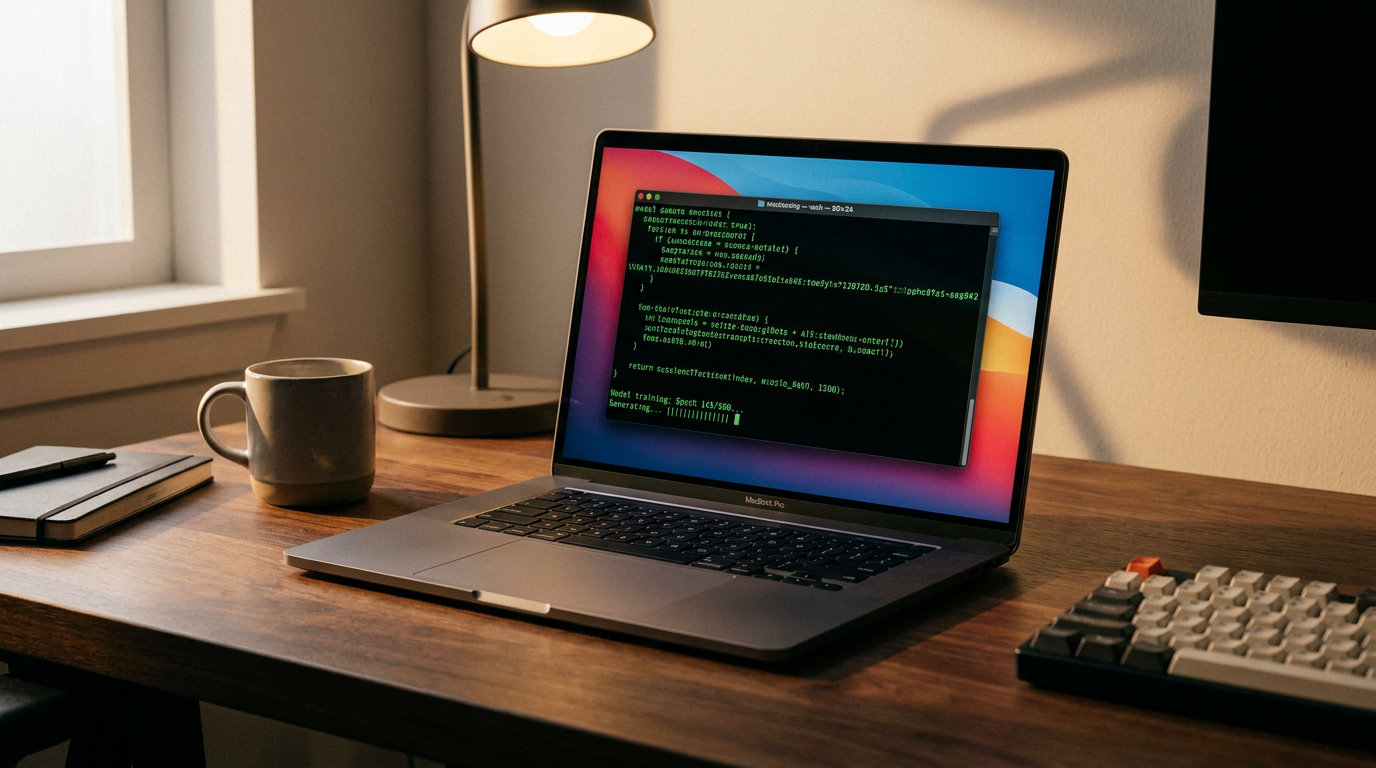
Apple Silicon has emerged as a particularly powerful platform for local AI. Because Mac architectures utilize a unified memory pool, the GPU has direct access to the entire system RAM. A MacBook Pro with 32 gigabytes of unified memory effectively functions as a 32-gigabyte VRAM GPU, allowing developers to run massive models that would otherwise require expensive, enterprise-grade hardware.[4]
The software ecosystem facilitating this shift is dominated by two primary tools: Ollama and LM Studio. Ollama is a command-line interface that has been described as "Docker for LLMs." It abstracts away the complexities of Python dependencies and CUDA libraries, allowing users to download and run a model with a single terminal command. It also runs as a background service, exposing a local REST API that mirrors the OpenAI structure.[1][2][4][9]
For users who prefer a visual interface, LM Studio offers a point-and-click desktop application. It allows users to browse a catalog of models, download them directly, and chat within a familiar graphical interface. LM Studio also features multi-model loading, enabling users to run a coding model and a writing model simultaneously and switch between them without incurring a reload delay.[2][10]

The models themselves are typically sourced from repositories like Hugging Face and are distributed in quantized formats. Quantization is a compression technique that reduces the precision of the model's weights—often from 16-bit to 4-bit—drastically shrinking the file size and memory footprint with only a negligible loss in output quality. This optimization is what allows a highly capable model to fit comfortably within the constraints of a consumer laptop.[1][3][10]
Once a local model is running, it can be seamlessly integrated into existing developer workflows. Because tools like Ollama and LM Studio expose OpenAI-compatible APIs, developers can point their existing scripts, applications, or coding assistants to their local host. Extensions like Continue.dev allow developers to plug local models directly into VS Code, creating a free, offline alternative to GitHub Copilot that never transmits proprietary code to external servers.[4][9]

Despite these advantages, local AI is not a universal replacement for cloud services. Frontier models like GPT-4 or Claude 3.5 still possess a higher capability ceiling, particularly for complex reasoning tasks or massive context windows. Local deployment also shifts the operational burden to the user, requiring them to manage hardware limitations, software updates, and model configurations.[5]
Nevertheless, the gap between open-source local models and proprietary cloud models is narrowing rapidly. As quantization techniques improve and consumer hardware becomes increasingly optimized for AI workloads, the barrier to entry will continue to fall. For privacy-conscious users, developers, and enterprises, the ability to run powerful AI locally represents a critical step toward technological independence and data sovereignty.[3][5][11]
How we got here
Early 2023
The release of LLaMA by Meta sparks a surge in open-source AI development.
Mid 2023
Tools like llama.cpp emerge, allowing models to run on standard consumer CPUs.
Late 2023
Ollama launches, providing a Docker-like command-line interface for local LLMs.
2024
LM Studio popularizes graphical interfaces for downloading and chatting with local models.
2025–2026
Highly capable small models (1B–8B parameters) make local AI viable on standard laptops.
Viewpoints in depth
Privacy & Security Advocates
Focuses on the absolute necessity of local AI for handling sensitive data.
This camp argues that cloud providers' terms of service and data logging practices introduce unacceptable risks for legal, medical, and proprietary corporate workloads. They emphasize that true compliance with frameworks like GDPR and HIPAA can only be guaranteed when data processing remains entirely on-premises. For these advocates, the slight capability drop-off compared to frontier cloud models is a necessary trade-off for absolute data sovereignty.
Open-Source Developers
Values the flexibility and zero-cost experimentation local models provide.
Developers champion local AI for its lack of rate limits and subscription fees, which allows for unconstrained tinkering and integration. They highlight the ability to fine-tune model weights, build custom applications via local APIs, and avoid vendor lock-in. For this group, tools like Ollama represent a democratization of AI, shifting power away from centralized tech giants and into the hands of individual creators.
Pragmatic Adopters
Advocates for a hybrid approach balancing local privacy with cloud capability.
While acknowledging the privacy and cost benefits of local AI, this perspective recognizes that frontier cloud models still hold a distinct edge in complex reasoning, massive context windows, and zero-maintenance deployment. They recommend using local models for sensitive, routine, or high-volume tasks, while reserving cloud APIs for heavy lifting where maximum intelligence is required.
What we don't know
- How quickly open-source models will close the capability gap with frontier proprietary models like GPT-4.
- Whether future consumer hardware will standardize dedicated AI accelerators (NPUs) specifically for local inference.
Key terms
- LLM (Large Language Model)
- An artificial intelligence system trained on vast amounts of text to understand and generate human-like language.
- Quantization
- A compression technique that reduces the file size and memory requirements of an AI model by lowering the precision of its internal numbers.
- VRAM (Video RAM)
- The dedicated memory on a graphics card, crucial for loading and running large AI models quickly.
- Inference
- The process of an AI model generating a response or prediction based on a user's prompt.
- API (Application Programming Interface)
- A set of rules that allows different software applications to communicate with each other, such as a code editor talking to a local AI model.
Frequently asked
Do I need an internet connection to use local AI?
You only need the internet to download the initial model and software. Once installed, the AI runs entirely offline.
Can my standard laptop run these models?
Yes, provided it has at least 8GB of RAM. However, 16GB of RAM or an Apple Silicon Mac is recommended for smoother performance with larger models.
Is local AI completely free?
Yes. The software frameworks like Ollama and LM Studio, as well as open-weight models like Llama 3, are free to download and use with no subscription fees.
How does local AI protect my privacy?
Because the model runs directly on your computer's hardware, your prompts and data never travel over the internet to third-party servers.
Sources
Source coverage
11 outlets
3 viewpoints surfaced











[1]Pasquale PillitteriOpen-Source Developers
Ollama 2026 - how to run local LLMs on macOS Windows Linux
Read on Pasquale Pillitteri →[2]Atomic ChatOpen-Source Developers
Ollama vs LM Studio: How to Run Local LLMs (2026)
Read on Atomic Chat →[3]LocalLLM.inOpen-Source Developers
How to Run Local LLMs: The Ultimate Guide for 2025
Read on LocalLLM.in →[4]MediumOpen-Source Developers
How to Run Local LLMs on Your Macbook for Privacy-Focused Dev Work
Read on Medium →[5]VDF AIPrivacy & Security Advocates
What Are the Benefits of Running LLMs Locally?
Read on VDF AI →[6]AI JournalPrivacy & Security Advocates
Benefits of Using Local AI Models for Data Privacy
Read on AI Journal →[7]Local AI MasterOpen-Source Developers
Why Run AI Locally? (Top 5 Reasons)
Read on Local AI Master →[8]Notebook ToolkitPrivacy & Security Advocates
What Happens to Your Cloud AI Prompts
Read on Notebook Toolkit →[9]Canadian Compliance InstitutePrivacy & Security Advocates
Method 1: Setting Up Ollama
Read on Canadian Compliance Institute →[10]FreeCodeCampOpen-Source Developers
Understanding Open Source LLMs
Read on FreeCodeCamp →[11]Factlen Editorial TeamPragmatic Adopters
Synthesis by Factlen editorial team
Read on Factlen Editorial Team →


Every angle. Every day.
Get guides stories with full source coverage and perspective breakdowns delivered to your inbox.